JavaScript
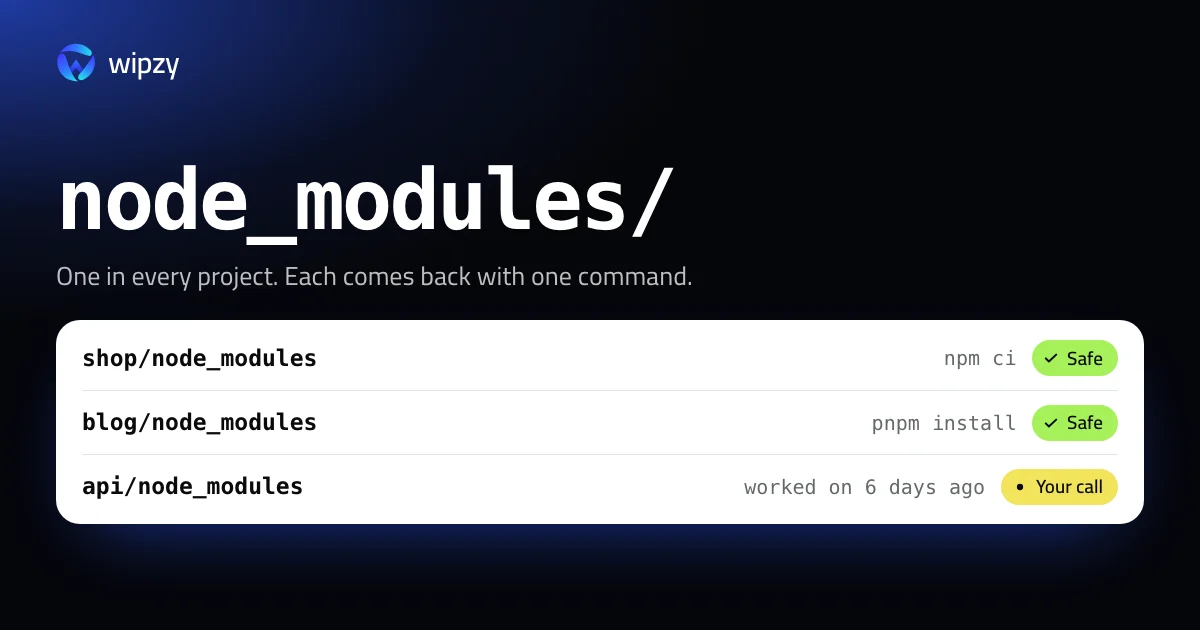
How to delete all node_modules folders on a Mac
Find every node_modules folder on your Mac, see what each one weighs, and delete the idle ones with one find command. Every one comes back with npm ci.
30 guides. Each one gives the exact commands, what they delete, how to see the size first, and how the data comes back.
JavaScript
Find every node_modules folder on your Mac, see what each one weighs, and delete the idle ones with one find command. Every one comes back with npm ci.
Mac storage
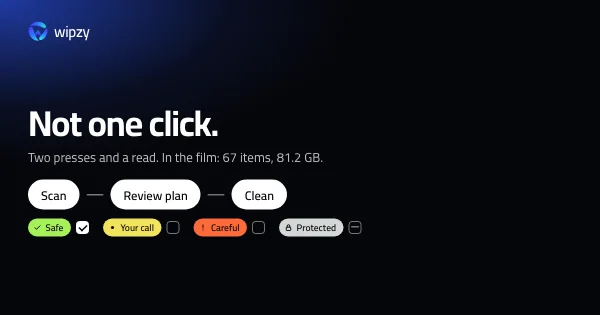
No safe tool cleans a Mac in one click. Here is the ten minute version that works: see where the space is, clear what rebuilds, and decide the rest yourself.
Mac storage
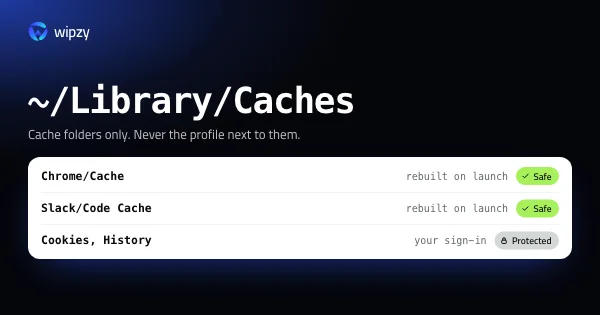
App caches on a Mac live in ~/Library/Caches and inside Application Support. See the largest ones, clear them per app, and know which folders hold your data.
Xcode and iOS
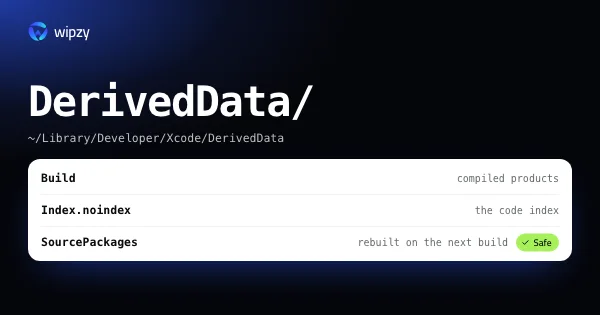
Xcode DerivedData lives in ~/Library/Developer/Xcode/DerivedData. See its size per project, delete it in Terminal or Finder, and know what the next build costs.

Docker
Docker.raw looks like 64 GB in Finder but often uses far less. See its real size, find what fills it with docker system df, and give space back to macOS safely.
Mac storage
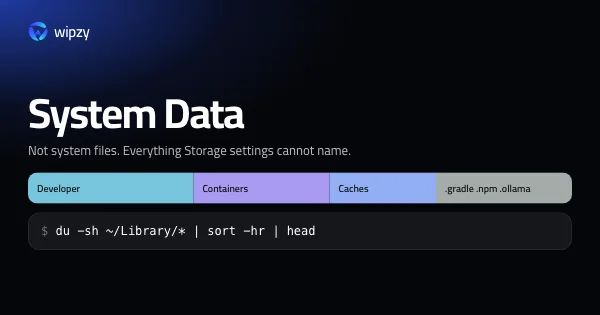
System Data on a Mac is everything Storage settings cannot name: caches, simulators, Docker, package stores, snapshots. See what is in yours and what can go.
Xcode and iOS
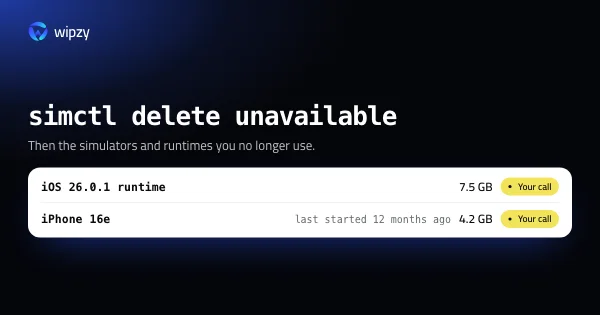
List every iOS simulator and runtime with xcrun simctl, see which ones are stale, and delete them safely. A single iOS runtime is about 7.5 GB on its own.

Safe cleaning
One question sorts every folder on a developer's Mac into four levels: can a command bring it back exactly? The full lists, and four checks before deleting.
JavaScript
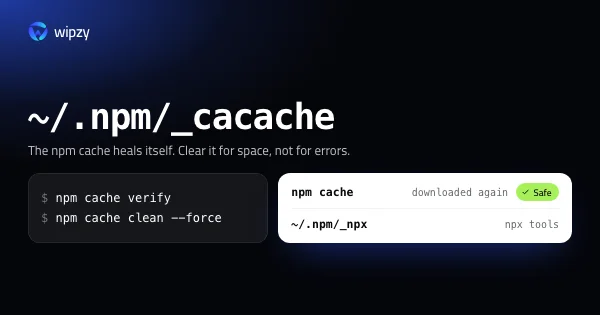
The npm cache lives in ~/.npm/_cacache. See its size with du, clean it with npm cache clean --force, and learn why npm cache verify is usually the better call.
Build tools
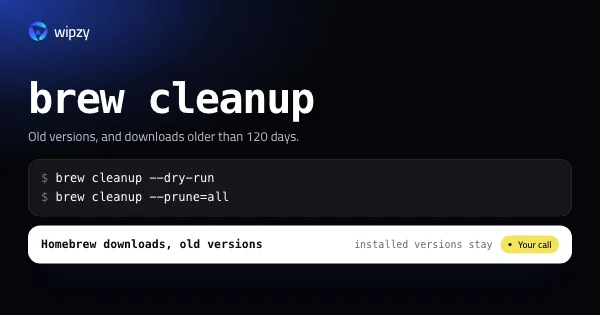
See what brew cleanup would remove with --dry-run, clear old versions and downloads with --prune=all, and find the formulae that really take the space.
Safe cleaning
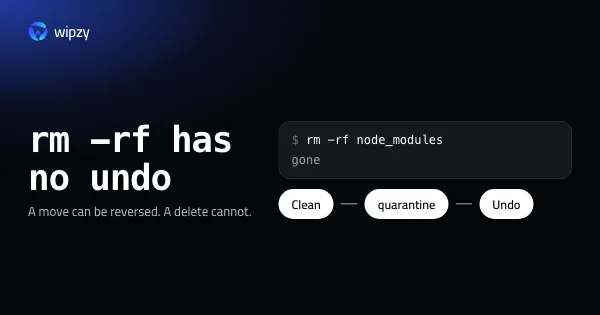
rm -rf deletes at once and for good. A quarantine is a move you can reverse. How to build one with mv, when the Trash is enough, and how Wipzy's Undo works.
Xcode and iOS
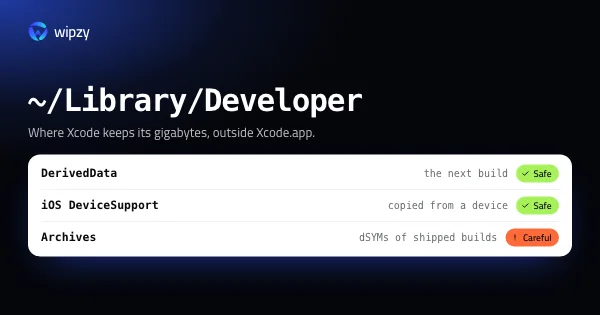
Where Xcode puts its gigabytes besides DerivedData: iOS DeviceSupport, archives, previews, simulator caches and old installers. What each is and what can go.
Docker
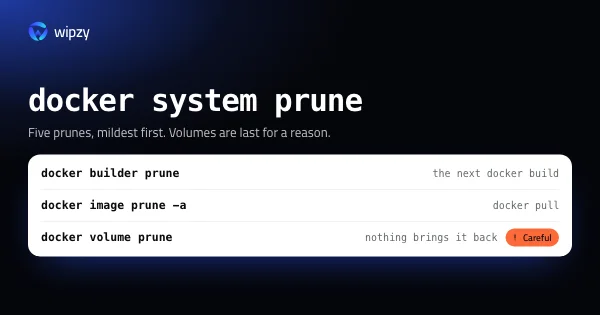
What docker system prune removes, what -a and --volumes add, and which prune commands are safe. Check with docker system df first, and keep your volumes.
JavaScript
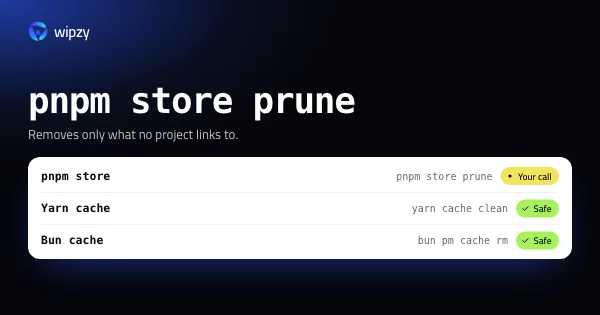
pnpm store prune, yarn cache clean and bun pm cache rm, explained: where each cache lives on a Mac, how to see its size, what goes, and how it comes back.
Build tools
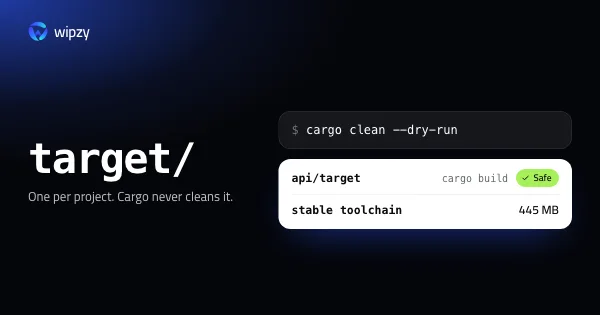
Find every Cargo target folder on your Mac with its size, preview a cargo clean with --dry-run, and remove old rustup toolchains. All of it can be rebuilt.

Build tools
Python disk space on a Mac: find every virtualenv with its size, purge the pip and uv caches, preview conda clean with --dry-run, and recreate what you need.
Mac storage
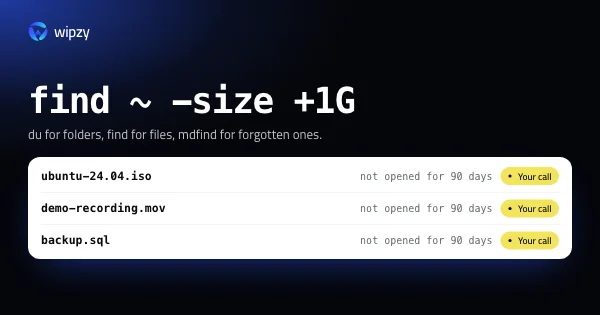
Three ways to find what fills a Mac disk: du for folders, find for files over 1 GB, and Spotlight's mdfind for large files you have not opened in months.
Safe cleaning
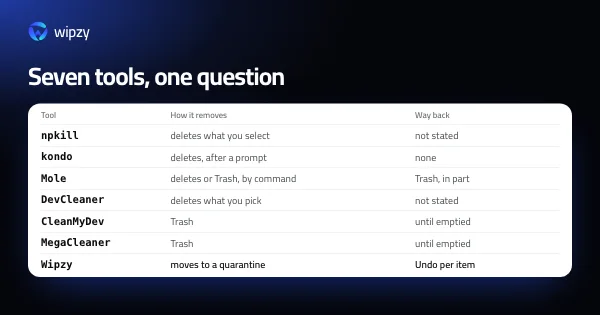
A fair look at npkill, kondo, Mole, DevCleaner, CleanMyDev, MegaCleaner and Wipzy: what each cleans, how it removes files, and whether you can undo it.
Build tools
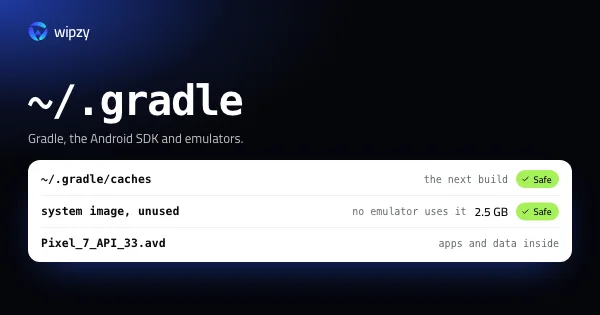
Android work fills ~/.gradle, the SDK folder and ~/.android/avd. See what each one holds, which system images and emulators can go, and what downloads again.
Mac storage
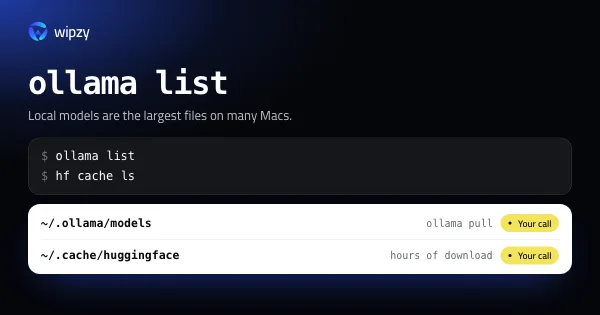
Local AI models are the largest files on many Macs. List them with ollama list and hf cache ls, remove the ones you do not use, and pull them back later.
Mac storage
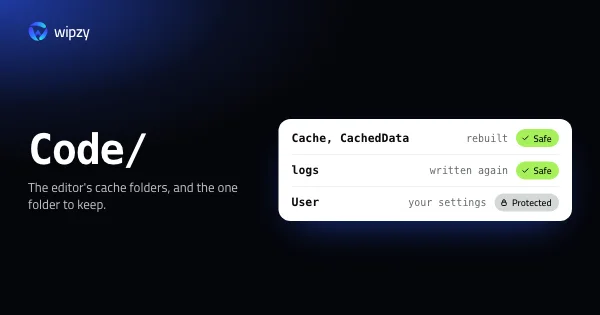
Where VS Code, Cursor and JetBrains IDEs keep caches on a Mac, which folders are safe to clear, and which ones hold your settings, history and unsaved files.
Xcode and iOS
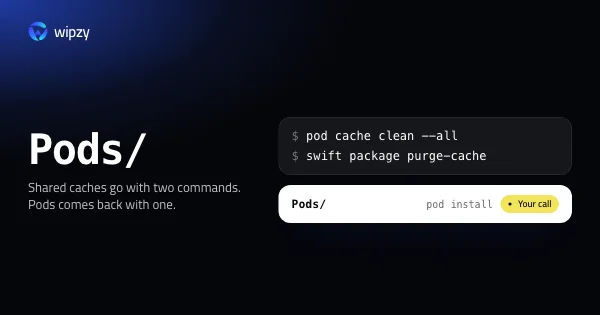
pod cache clean --all and swift package purge-cache: where CocoaPods, SwiftPM and Carthage keep downloads on a Mac, their size, and what restores them.
Build tools
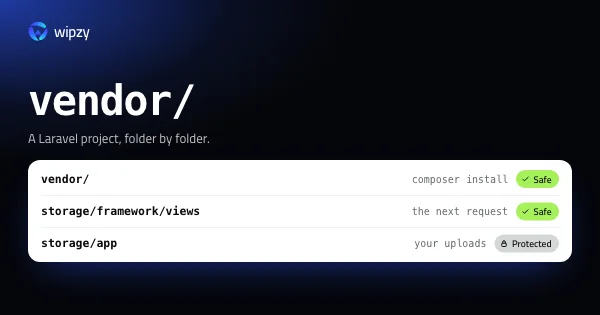
Find every Composer vendor folder on your Mac with its size, clear the cache with composer clear-cache, and restore any project with composer install.

Build tools
Go keeps a build cache and a module cache in your home folder. See both sizes with go env, preview a clean with -n, and learn why rm fails on the module cache.

Build tools
What flutter clean deletes, where the pub cache lives, and how to free the space a Flutter project takes across build, .dart_tool, Pods and Gradle folders.
JavaScript
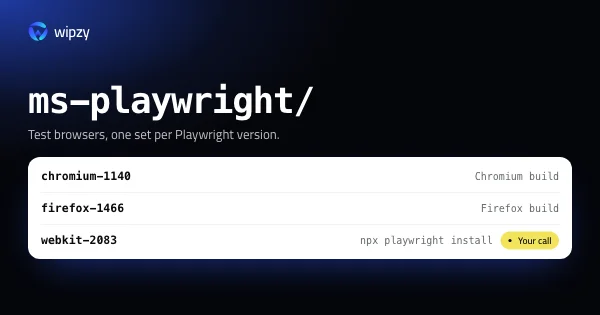
Playwright, Puppeteer and Cypress each download their own browsers into a cache folder. See how much they take, remove old versions, and reinstall in one line.
Build tools
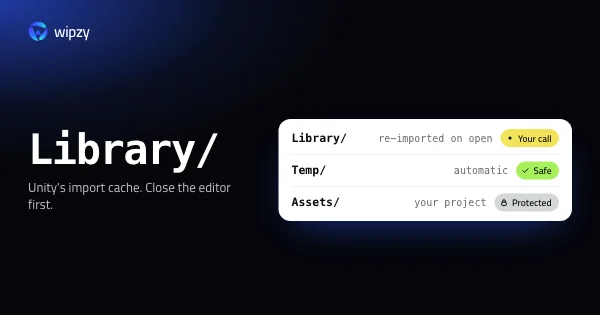
Yes, with Unity closed: Library is an import cache that Unity rebuilds when you open the project. What it costs, what else can go, and what must stay.
Mac storage
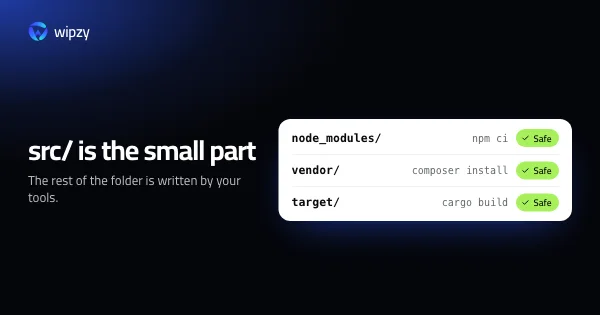
Six things fill a developer's disk: copies per project, caches per machine, builds per profile, simulators per OS version, images that only grow, no cleanup.

Windows
Windows refuses to delete node_modules when a path passes 260 characters. Four commands that work, how to enable long paths, and how to find every copy.
Windows
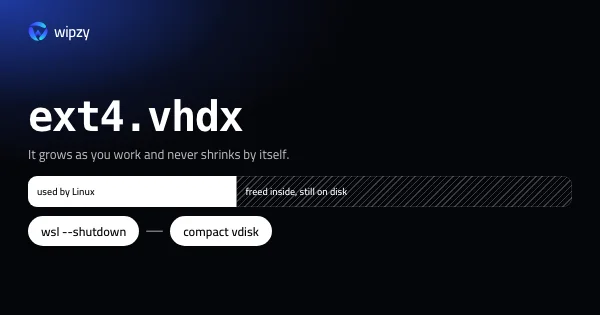
The WSL 2 disk file ext4.vhdx grows as you work and never shrinks by itself. Find it, free space inside Linux, then compact it with diskpart or Optimize-VHD.
New guides arrive in the Atom feed of the Wipzy blog. To see the app these guides lead to, watch Wipzy clean a Mac in 47 seconds, read how the four risk levels work, or see what is free and what Pro adds.