Build tools
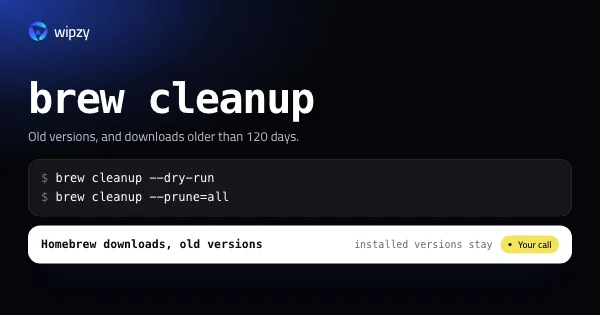
brew cleanup: free Homebrew disk space on a Mac
See what brew cleanup would remove with --dry-run, clear old versions and downloads with --prune=all, and find the formulae that really take the space.
Each toolchain has a build folder per project and a download cache per machine. These guides give the command that sizes each one, the command that clears it, and the command that brings it back.
Build tools
See what brew cleanup would remove with --dry-run, clear old versions and downloads with --prune=all, and find the formulae that really take the space.
Build tools
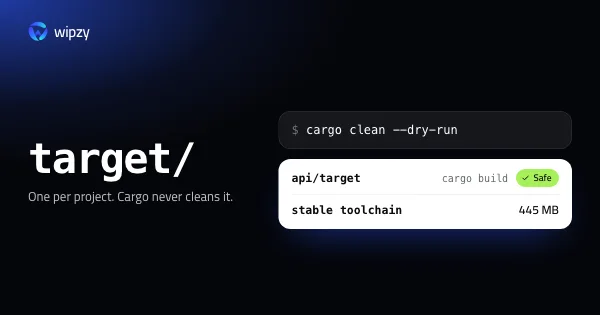
Find every Cargo target folder on your Mac with its size, preview a cargo clean with --dry-run, and remove old rustup toolchains. All of it can be rebuilt.
Build tools
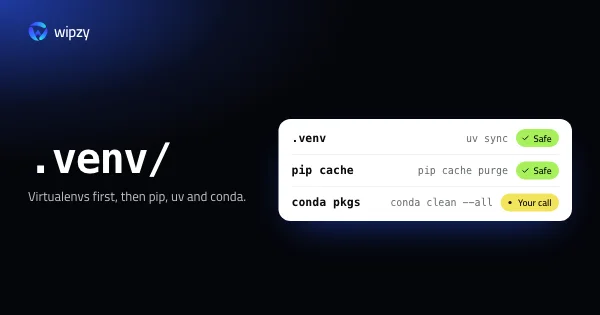
Python disk space on a Mac: find every virtualenv with its size, purge the pip and uv caches, preview conda clean with --dry-run, and recreate what you need.
Build tools
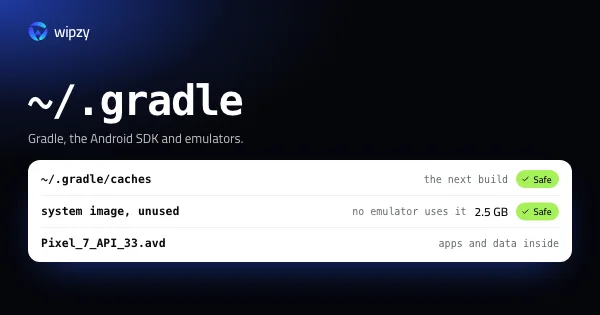
Android work fills ~/.gradle, the SDK folder and ~/.android/avd. See what each one holds, which system images and emulators can go, and what downloads again.
Build tools
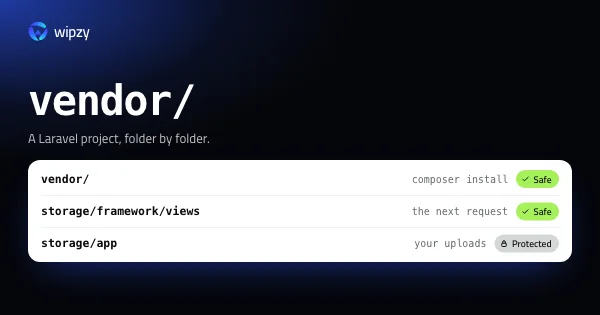
Find every Composer vendor folder on your Mac with its size, clear the cache with composer clear-cache, and restore any project with composer install.
Build tools
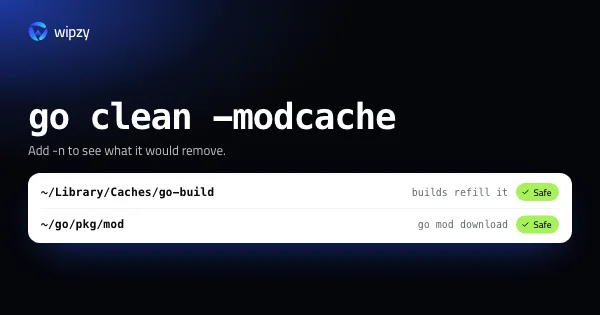
Go keeps a build cache and a module cache in your home folder. See both sizes with go env, preview a clean with -n, and learn why rm fails on the module cache.
Build tools
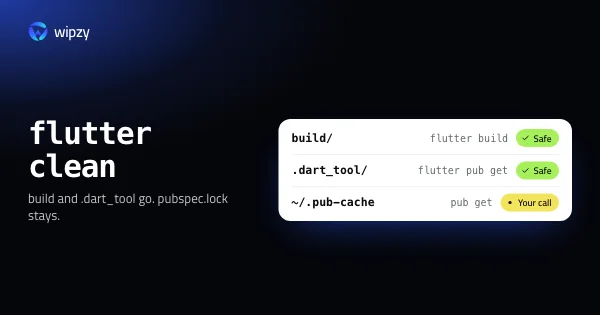
What flutter clean deletes, where the pub cache lives, and how to free the space a Flutter project takes across build, .dart_tool, Pods and Gradle folders.
Build tools
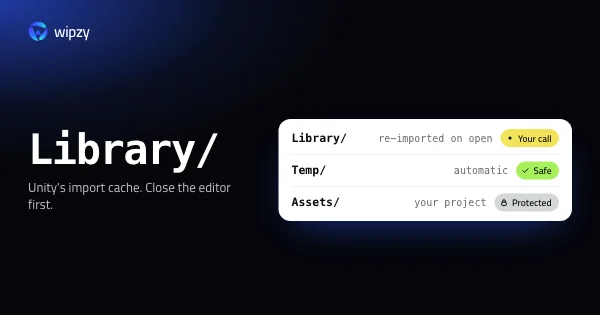
Yes, with Unity closed: Library is an import cache that Unity rebuilds when you open the project. What it costs, what else can go, and what must stay.
New guides arrive in the Atom feed of the Wipzy blog. To see the app these guides lead to, watch Wipzy clean a Mac in 47 seconds, read how the four risk levels work, or see what is free and what Pro adds.