
Mac storage
Clean your whole Mac in one click? What really works
No safe tool cleans a Mac in one click. Here is the ten minute version that works: see where the space is, clear what rebuilds, and decide the rest yourself.
Storage settings shows one grey bar called System Data and stops there. These guides open it up: caches, editors, local AI models, large files, and why a disk fills after a few projects.
Mac storage
No safe tool cleans a Mac in one click. Here is the ten minute version that works: see where the space is, clear what rebuilds, and decide the rest yourself.

Mac storage
App caches on a Mac live in ~/Library/Caches and inside Application Support. See the largest ones, clear them per app, and know which folders hold your data.
Mac storage
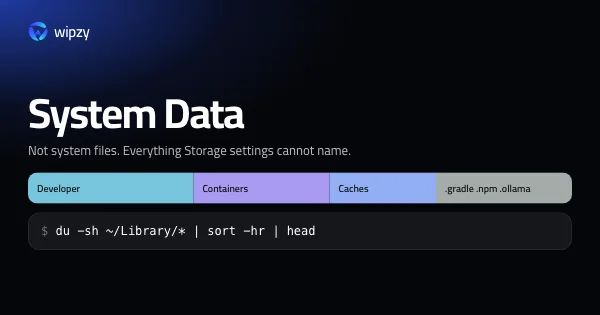
System Data on a Mac is everything Storage settings cannot name: caches, simulators, Docker, package stores, snapshots. See what is in yours and what can go.

Mac storage
Three ways to find what fills a Mac disk: du for folders, find for files over 1 GB, and Spotlight's mdfind for large files you have not opened in months.

Mac storage
Local AI models are the largest files on many Macs. List them with ollama list and hf cache ls, remove the ones you do not use, and pull them back later.
Mac storage
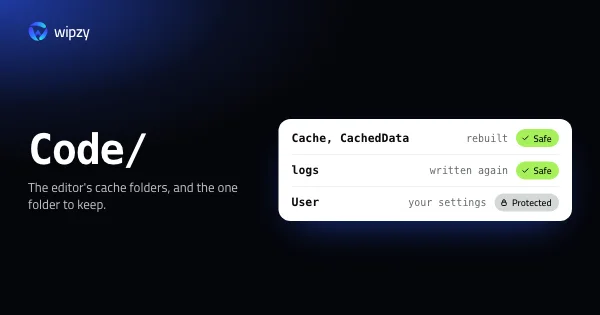
Where VS Code, Cursor and JetBrains IDEs keep caches on a Mac, which folders are safe to clear, and which ones hold your settings, history and unsaved files.
Mac storage
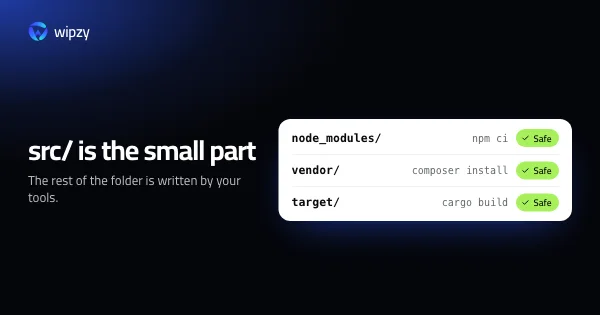
Six things fill a developer's disk: copies per project, caches per machine, builds per profile, simulators per OS version, images that only grow, no cleanup.
New guides arrive in the Atom feed of the Wipzy blog. To see the app these guides lead to, watch Wipzy clean a Mac in 47 seconds, read how the four risk levels work, or see what is free and what Pro adds.