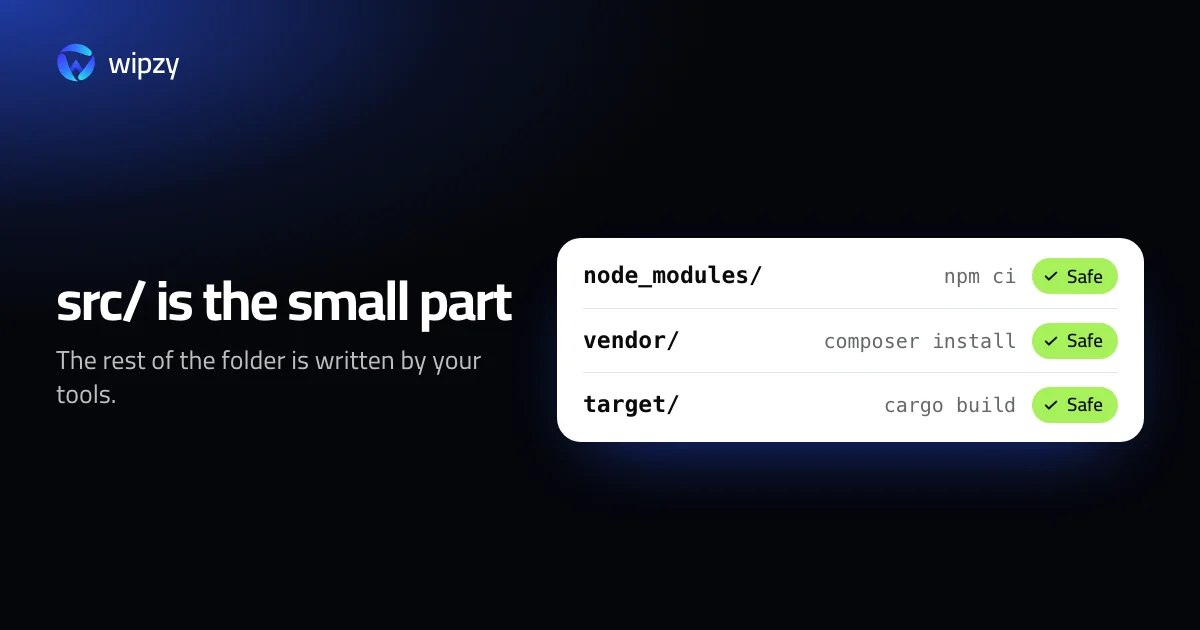
The source code of a typical project is a few megabytes. The folder it lives in is often a few gigabytes. The difference is not yours. Your tools wrote it, and they will write it again whenever asked.
Once you see the six mechanisms behind that, a full disk stops being a mystery and becomes a list.
1. Every project keeps its own copy of its dependencies
node_modules in a JavaScript project, vendor in a PHP project, .venv in a Python project, Pods in an iOS project. Each project gets a full, private copy, even when ten projects use the same version of the same library.
This is deliberate. It keeps projects from breaking each other. The cost is paid in disk space, once per project, and it stays paid long after you stop working on the project.
2. Every tool keeps everything it ever downloaded
Next to the per-project copy, each package manager has a cache per machine: ~/.npm, ~/.gradle/caches, ~/.cargo/registry, ~/go/pkg/mod, ~/Library/Caches/pip. When a dependency goes from 4.1.0 to 4.1.1, the new version is added. The old one is not removed.
A few tools trim themselves. Homebrew drops downloads after 120 days, Cargo since Rust 1.88 removes files unused for three months, and Go trims its build cache. Most do not. And the ones that do, do it only while you keep using them.
3. Builds multiply
Build output is not one folder per project. It is one per configuration:
- debug and release
- each target platform: your Mac, the iOS simulator, a device, WebAssembly
- each compiler version, after every toolchain update
A Rust target folder or Xcode's DerivedData holds all of these side by side. Each was needed once.
4. Platforms arrive whole
Testing on iOS means a simulator runtime, a disk image of about 7.5 GB for iOS 26.0.1 alone. Every phone you plug in adds device support files for its exact OS version. Android adds a system image per API level and a virtual device with its own disk for each emulator. Next year's OS versions arrive on top of this year's.
5. Disk images only grow
Docker Desktop keeps everything in one file that grows as you pull and build, and does not shrink by itself when you delete inside it. Virtual machines behave the same way. A local AI model is a single file of tens of gigabytes. These are the items where one decision frees more than a hundred small ones.
6. Nothing is ever uninstalled
This is the mechanism behind the other five. Installing is automatic: you run one command and the tool fetches, unpacks, compiles and caches. Removing is manual, per tool, and has a different command each time. There is no moment in a developer's day when cleanup happens by itself.
So the disk fills in proportion to how many things you tried, not how many you use.
What it adds up to
Here is one imaginary web project, to show the shape:
| Path | Whose | Rebuilt by |
|---|---|---|
app/, routes/, resources/ |
Yours | Nobody. This is the project |
.env |
Yours | Nobody |
vendor/ |
Composer's | composer install |
node_modules/ |
npm's | npm ci |
public/build/ |
Vite's | npm run build |
storage/framework/views/ |
Laravel's | The next request |
storage/logs/ |
Laravel's | The next log line |
Two rows are your work. Five rows are output. When we wrote Wipzy's rules, we counted how many such output folders exist across toolchains: 257 project rules for 345 recognised stacks, and another 74 for the per-machine caches. That is how many different places your tools write to.
Habits that slow it down
- Clean when you shelve a project. The day you stop working on something, delete its dependency and build folders. They come back with one command if you return.
- Share what can be shared. pnpm links packages from one store instead of copying them. Cargo can build every project into one shared
targetfolder. - Prune with a filter, on a schedule.
docker builder prune --filter until=336hkeeps two weeks of build cache and drops the rest. - Remove old platforms after each OS season. Last year's simulator runtime and device support files are the cheapest gigabytes you will ever get back.
- Look once a quarter. Two
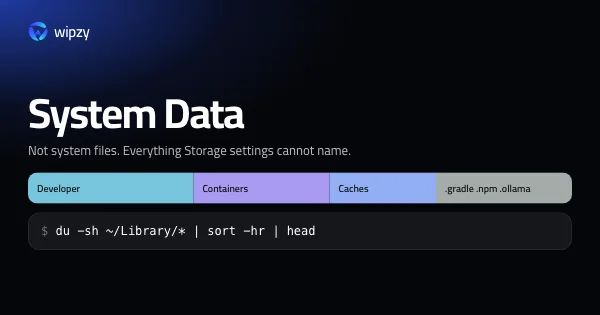
ducommands show where the space went. They are in what System Data really is.
For the folders themselves, see what is safe to delete on a developer's Mac.
With Wipzy
Wipzy exists because of mechanism 6. If no tool removes what it wrote, something has to keep the list.
- It keeps the list for you. One scan reads your home folder and sorts what it finds into Projects, Dev caches, System, Apps and Big files. On an M4 Pro with 43 projects that takes 8.7 s.
- It knows which rows are yours. Before offering anything in a project, it reads the project: which stack, which lockfile, what git tracks. Source,
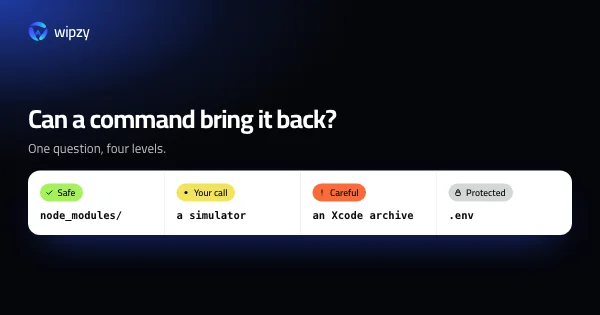
.envand anything git tracks are Protected. So is anything no rule recognises. - It knows what you are working on. Output in a project you touched in the last 30 days is Your call and not ticked. Idle projects are Safe and ticked.
- Every row says how it comes back:
composer install,npm ci,cargo build, "rebuilt by Xcode". - Cleaning is a move. Items go into a quarantine on the same disk, and History has Undo. The space is freed when you press Free now.
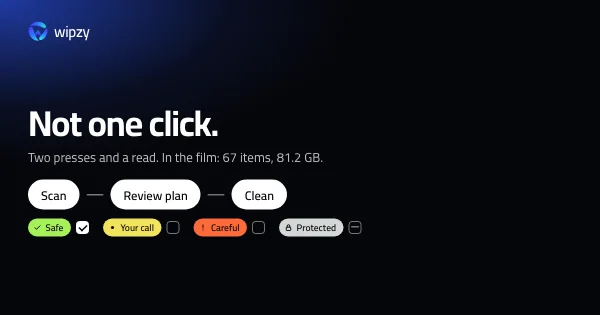
Projects and Dev caches are free. Scan, Review plan, then Clean: never one click.
See how it reads a project, the four levels, or the 47 second film.
Questions
Why does my disk fill up when I have not added any files?
Because your tools add them. Every install, build, update and test run writes caches and output, and almost no developer tool removes what it wrote when you stop using it.
Which folders grow the fastest?
Per project, dependency folders such as node_modules and build output such as target. Per machine, Xcode DerivedData and simulators, the Docker disk image, and package manager stores.
Do I need a bigger disk?
Maybe, but check first how much of the current one is rebuildable. A scan or the du commands in our guides show the split between your work and what your tools can make again.