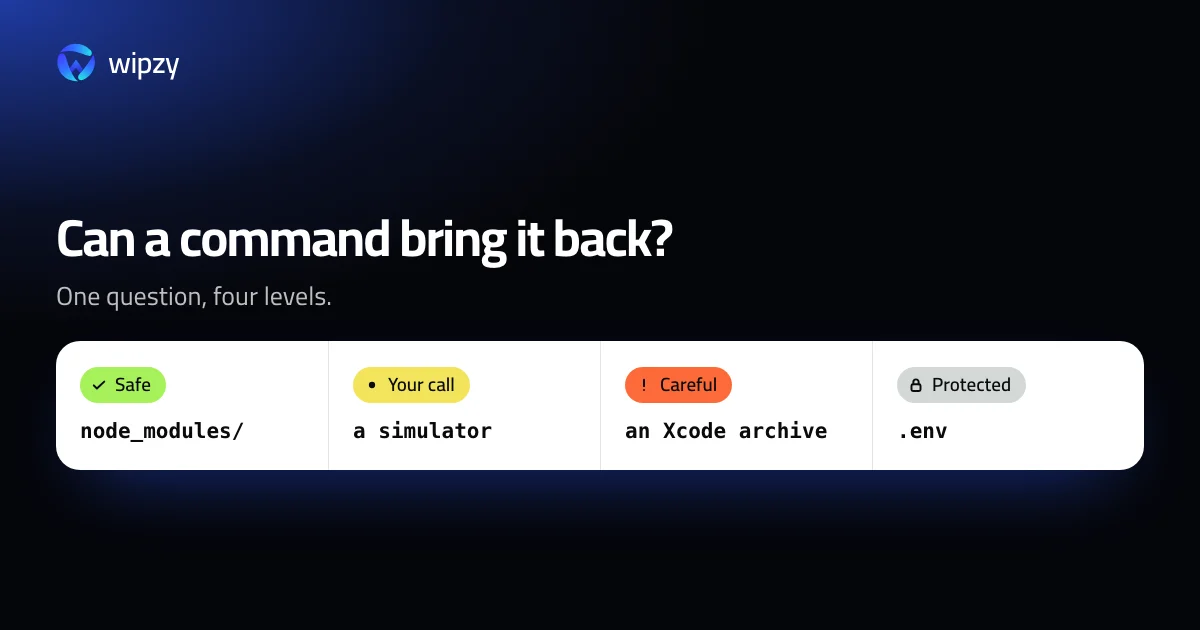
One question sorts almost everything: can a command bring it back, exactly as it was?
- Yes, and quickly: safe.
- Yes, but it costs time, bandwidth or state: your call.
- Maybe not: careful.
- No, it is your work: never.
Those are the four levels this guide uses. They are also the four levels in Wipzy, because the app was built from this list.
Safe: comes back by itself or with one command
| What | Where | Comes back with |
|---|---|---|
node_modules with a lockfile |
In a project | npm ci, pnpm install |
vendor with composer.lock |
In a PHP project | composer install |
target |
In a Rust project | cargo build |
.next, dist, build, .nuxt |
In a web project | npm run build |
__pycache__, .pytest_cache |
In a Python project | Automatic |
| Xcode DerivedData | ~/Library/Developer/Xcode/DerivedData |
The next build |
| Download caches | ~/.npm/_cacache, ~/Library/Caches/pip, ~/.cargo/registry, ~/.gradle/caches, ~/go/pkg/mod |
The next install |
| Simulator caches, SwiftUI previews | ~/Library/Developer |
The next boot or preview |
| Device support for old iOS versions | ~/Library/Developer/Xcode/iOS DeviceSupport |
Copied again from a device |
| Logs older than a week, crash reports older than a month | ~/Library/Logs |
Not needed again |
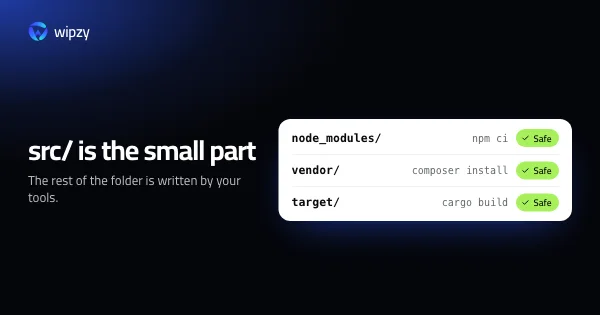
What these share: a tool made them from something else that you still have. The lockfile and the source are the truth. The folder is a copy.
The lockfile is the condition, not a detail. Without package-lock.json, a reinstall resolves version ranges again and may give you different packages. That moves the folder one level down.
Your call: comes back, at a price
| What | The price |
|---|---|
| Any Safe folder in a project you worked on this month | You will wait for the reinstall tomorrow |
| Dependency folders without a lockfile | Versions may change |
Pods, Unity's Library |
Minutes of installing or importing |
| iOS simulators, Android emulators | The apps and data inside are gone |
| Simulator runtimes, Playwright browsers, Gradle versions | A download of gigabytes |
AI models in ~/.ollama and ~/.cache/huggingface |
Hours of download |
~/.m2/repository |
May hold artefacts you built with mvn install |
| Application logs, file sessions | Useful for debugging, signs users out |
| Installers in Downloads, large files not opened for months | Only you know |
Anything cleaned by a command, such as brew cleanup or docker builder prune |
The command has no undo |
Nothing here is lost work. Each row costs you something, so each row deserves a decision.
Careful: might be the only copy
| What | Why |
|---|---|
| Xcode archives | They hold the dSYMs for builds you shipped |
| Virtual machines | A whole computer, with files inside |
A folder named out or build that no known tool writes |
It might be output. It might be where you keep things |
An output folder with a .git or .env inside it |
Something in there was put there by a person |
For this level, look inside first. If you delete, use the Trash, and wait a week before you empty it.
Never
- Source code, and anything git tracks
.envfiles and other secrets- Uploaded files:
storage/appin Laravel,mediain Django,storagein Rails - Docker volumes
- The Photos, Mail and Messages libraries, keychains, iPhone backups
~/Library/Mobile Documents, which is iCloud Drive- Anything in
/Systemor/Library
A cleanup that touches this list is not a cleanup.
Four checks before you delete a folder
Run these inside the project. They take ten seconds.
1. Does git ignore it?
git check-ignore -v node_modules
A line of output names the .gitignore rule that covers it. No output means git does not ignore the folder. Stop there.
2. Does git track anything in it?
git ls-files node_modules | head -1
This should print nothing. If it prints a file name, the folder is part of the repository.
3. Is there a lockfile?
ls package-lock.json pnpm-lock.yaml yarn.lock composer.lock Cargo.lock 2>/dev/null
4. Is anything personal inside?
find node_modules -maxdepth 3 \( -name '.env*' -o -name '.git' \) | head
Output folders sometimes collect things that were never output: a config file someone dropped in, a nested repository.
A fifth check for any folder: is it a symbolic link? ls -ld folder shows an arrow if it is. Deleting through a link removes what it points to, which may be somewhere you did not expect.
When in doubt, rename first
There is a test that works for any folder you are unsure about. Do not delete it. Rename it:
mv build build.old
Then use the project for a week. Run it, run its tests, make a release build. If nothing asks for the folder, it was output, and build.old can go. If something breaks, rename it back and you have lost nothing.
With Wipzy
Wipzy runs these checks on every item, every scan, and shows the result as the level.
| Check | Effect in Wipzy |
|---|---|
| A rule recognises the folder, with its evidence file next to it | Only then is it offered at all. Everything else is Protected |
| Lockfile missing | At least Your call |
| Git tracks it | Protected |
| Not ignored by git, or not in a git repository | One level more careful |
| Project worked on in the last 30 days | Your call |
.git or .env found inside |
Careful, with the path shown |
| A symbolic link, as the item or on the way to it | Refused. Wipzy never follows links |
| A process has files open in it | Skipped, with the process named |
Then the levels decide what happens:
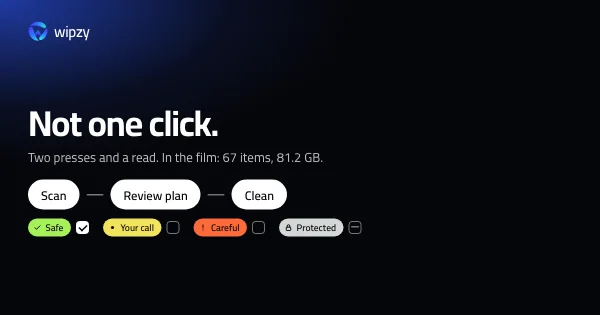
- Safe is ticked for you.
- Your call is listed, not ticked.
- Careful needs you to type
clean. - Protected is never offered.
Even Safe is not deleted. Clean moves items into a quarantine on the same disk, after checking each one again, and History has Undo. The reasoning is in rm -rf compared with a quarantine.
See the levels on the landing page under Four levels. Only one is ticked for you, or how Wipzy reads a project.
Questions
Is it safe to delete node_modules, vendor and target folders?
Yes, when the project has a lockfile and git does not track the folder. Then npm ci, composer install or cargo build recreates it exactly.
What should I never delete on a Mac?
Source code, .env files, anything git tracks, uploaded files, Docker volumes, the Photos, Mail and Messages libraries, keychains, iCloud Drive, and anything in /System or /Library.
How do I check whether a folder is safe to delete?
Ask git first. git check-ignore -v folder tells you it is ignored, and git ls-files folder | head -1 printing nothing tells you it is not tracked. Then check for a lockfile.