
JavaScript
How to delete all node_modules folders on a Mac
Find every node_modules folder on your Mac, see what each one weighs, and delete the idle ones with one find command. Every one comes back with npm ci.
Every project keeps its own node_modules, and each package manager keeps a cache of everything it ever downloaded. These guides show how to measure both, clear them with the tool's own command, and get them back.
JavaScript
Find every node_modules folder on your Mac, see what each one weighs, and delete the idle ones with one find command. Every one comes back with npm ci.
JavaScript
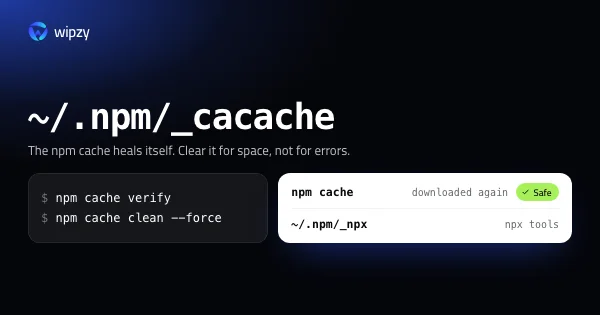
The npm cache lives in ~/.npm/_cacache. See its size with du, clean it with npm cache clean --force, and learn why npm cache verify is usually the better call.

JavaScript
pnpm store prune, yarn cache clean and bun pm cache rm, explained: where each cache lives on a Mac, how to see its size, what goes, and how it comes back.
JavaScript
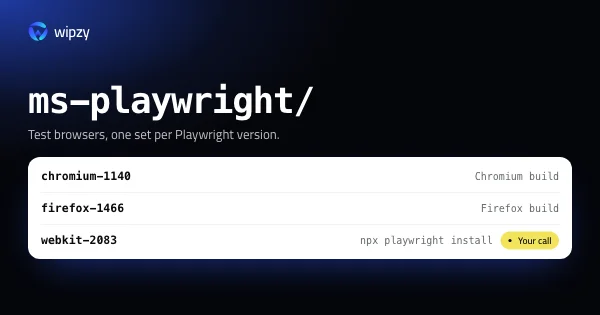
Playwright, Puppeteer and Cypress each download their own browsers into a cache folder. See how much they take, remove old versions, and reinstall in one line.
New guides arrive in the Atom feed of the Wipzy blog. To see the app these guides lead to, watch Wipzy clean a Mac in 47 seconds, read how the four risk levels work, or see what is free and what Pro adds.