To delete every node_modules folder under one folder, list them, then remove them with find:
find ~/Code -name node_modules -type d -prune -exec rm -rf {} +
That command has no undo, so do not paste it yet. The rest of this guide shows what it would remove, how much each folder weighs, which folders to leave alone, and how each one comes back.
See every node_modules folder and its size
Replace ~/Code with the folder that holds your projects.
find ~/Code -name node_modules -type d -prune -exec du -sh {} + | sort -hr | head -20
Two parts of that line matter:
-prunestopsfindfrom walking into anode_modulesit has already found. Nested copies are not listed twice, and the search finishes in seconds instead of minutes.du -shprints one total per folder, andsort -hrputs the largest first.
For a single number, add the sizes up:
find ~/Code -name node_modules -type d -prune -exec du -sk {} + | awk '{ kb += $1 } END { printf "%.1f GB\n", kb / 1048576 }'
Do not search your whole home folder
It is tempting to point find at ~. Several tools keep a node_modules folder that is not a project dependency, and deleting it breaks the tool:
| Path | What lives there |
|---|---|
~/.nvm/versions/node/*/lib/node_modules |
Global packages of each Node version, npm itself included |
/opt/homebrew/lib/node_modules |
Global packages of Homebrew's Node |
~/.vscode/extensions/*/node_modules |
Code that your VS Code extensions run |
~/Library/Application Support/ |
Data of desktop apps built on Electron |
Remove the first one and that Node version has no npm any more. Keep the search inside the folder where your projects live.
Delete only the ones you have not touched
A project you worked on this morning needs its packages. A project from last spring does not. -mtime +30 keeps the folders that have not changed for 30 days:
find ~/Code -name node_modules -type d -prune -mtime +30 -print
The modification time of a node_modules folder moves when a package is added to it or removed from it, so an old date is a fair sign that nobody has run an install there for a month. Read the list. When it is right, swap -print for the delete:
find ~/Code -name node_modules -type d -prune -mtime +30 -exec rm -rf {} +
The interactive way: npkill
If you would rather pick folders from a list, npkill shows every node_modules under the current folder with its size:
cd ~/Code && npx npkill
Move with the arrow keys and press Space to delete the selected folder. It deletes at once, so read the path on the row before you press.
How each folder comes back
The lockfile in the project tells you which command to run:
| Lockfile | Command that reinstalls the same versions |
|---|---|
package-lock.json |
npm ci |
pnpm-lock.yaml |
pnpm install --frozen-lockfile |
yarn.lock |
yarn install --immutable (Yarn 2 and later), yarn install --frozen-lockfile (Yarn 1) |
bun.lock or bun.lockb |
bun install --frozen-lockfile |
Without a lockfile, npm install resolves every version range again and you can end up with newer packages than the ones the project last ran with. A project with no lockfile deserves a second look before its node_modules goes.
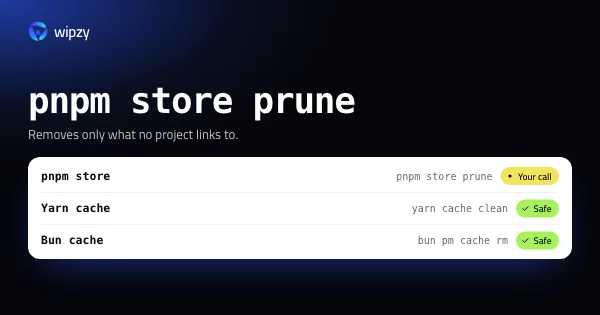
One more case: pnpm. Its node_modules is mostly hard links into the pnpm store, so deleting the folder frees little by itself. The space returns when you prune the pnpm store afterwards. The download caches of npm are a separate folder too, covered in how to clear the npm cache.
Monorepos and workspaces
A workspace project has one node_modules at the root and often smaller ones inside single packages. The find commands in this guide list each of them, because -prune only stops the search from going deeper into a folder it has matched. You do not need to restore them one by one. One install at the root of the repository, with the command from the table above, recreates all of them.
With Wipzy
Wipzy runs the same search over your home folder and applies the checks from this guide to every row. On an M4 Pro it scans a home folder with 43 projects in 8.7 s.
- It reads each project before it offers anything: the
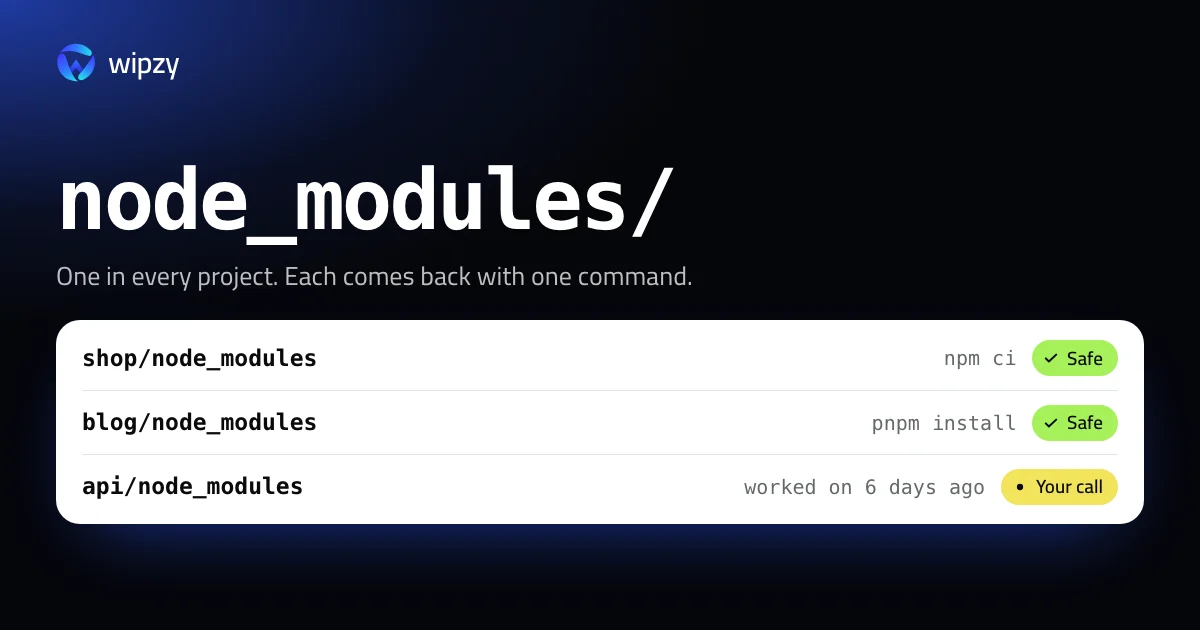
package.jsonnext to the folder, and which lockfile is there. The row shows the command that fits, such asnpm ciorpnpm install. node_modulesis Safe and ticked for you only when the project has a lockfile, git reports the folder as ignored and not tracked, and you have not worked on the project for 30 days. No lockfile, or a project you touched last week, makes it Your call: listed, not ticked.- Global packages and editor extensions never appear. Wipzy offers only what a rule recognises inside a project. Everything else is Protected.
- Nothing is cleaned in one click. You press Review plan, read the list, then Clean. Clean moves the folders into a quarantine on the same disk. If a build fails next week, open History and press Undo. The space is freed when you press Free now.
- A folder that a running process holds open is skipped with the reason, for example "In use by
node".
Projects are part of the free plan. See how the four risk levels work, or read why a move you can undo beats rm -rf.
Questions
Is it safe to delete node_modules?
Yes, when the project has a lockfile. The folder holds only what the package manager installed, and npm ci (or the same command of pnpm, Yarn or Bun) installs the exact same versions again. Without a lockfile the versions can change on reinstall.
Will this remove my global npm packages?
Only if you search too wide. Global packages live in a node_modules folder of their own, for example under ~/.nvm/versions/node. Search inside your projects folder, never your whole home folder.
Why did deleting node_modules free almost nothing with pnpm?
pnpm hard-links files from its store into each project, so the same bytes are still used by the store. Run pnpm store prune afterwards to remove packages that no project links to any more.