To clear the npm cache, run:
npm cache clean --force
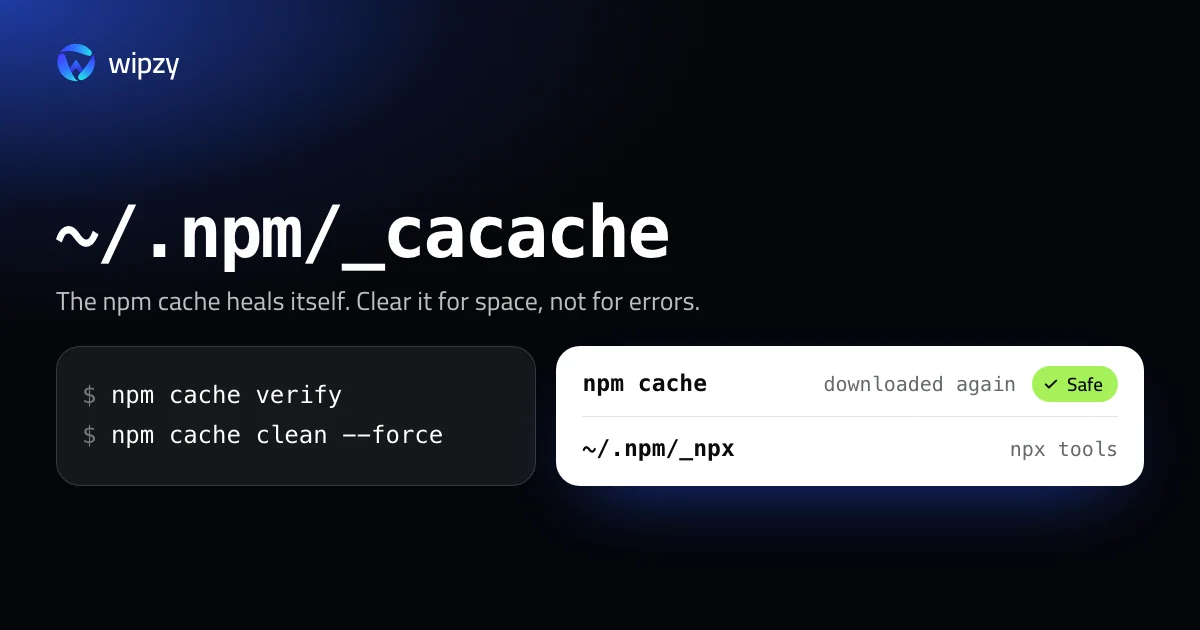
npm asks for --force on purpose. Its own help says the cache is self-healing, so cleaning it is "typically unnecessary". The honest reason to do it is disk space. This guide shows how big the cache is, what else sits in ~/.npm, and how to get the space back with the least re-downloading.
Find the cache and see its size
npm config get cache
On a Mac this prints /Users/you/.npm unless you configured something else. The cache itself is the _cacache folder inside it:
du -sh ~/.npm/_cacache
For a count of what is in there, npm cache ls lists every cached archive.
What is inside ~/.npm
| Folder | What it holds | Comes back |
|---|---|---|
_cacache |
Every package archive npm has downloaded, plus registry metadata | On the next install, from the registry |
_npx |
Packages that npx downloaded to run once |
The next time you run that npx command |
_logs |
Debug logs of recent npm runs | Written again when npm runs |
_cacache is content-addressed: each file is stored under its checksum, and npm verifies that checksum every time it reads the file. A damaged entry is treated as missing and fetched again. That is what "self-healing" means, and it is why a failed install is almost never the cache's fault.
Verify first: it frees space without emptying the cache
npm cache verify
verify walks the cache, checks every entry, and garbage-collects data that no index entry points to. It prints how much it removed. Nothing you could still use is thrown away, so the next install is as fast as before. Run this one when the goal is a tidy cache, not an empty one.
Clean: empty the cache
npm cache clean --force
There is no dry run for npm cache clean, and no undo. The size you saw with du is what you get back.
The npx folder
npx create-something downloads the package into ~/.npm/_npx and keeps it. After a year of trying tools, that folder can outgrow the cache you were worried about. Check it:
du -sh ~/.npm/_npx
It is safe to remove while no npx command is running. Each tool is downloaded again the next time you call it:
rm -rf ~/.npm/_npx
When clearing makes sense
- The disk is full. The cache is a copy of things that also exist on the registry. It is a fair place to take space from.
- You stopped using npm. If your projects moved to pnpm, Yarn or Bun, the npm cache is no longer being read. Those tools have stores of their own, covered in the pnpm, Yarn and Bun cache guide.
- Not for speed. A full cache makes installs faster, not slower.
- Not for errors. Try
npm cache verify, then deletenode_modulesand runnpm ci. That fixes what people expect the cache clean to fix.
If the real problem is the size of your projects, the cache is the small half. See how to delete every node_modules folder.
Install from the cache on purpose
The cache is more useful once you know how to lean on it. Two flags change how npm uses it:
| Flag | What npm does |
|---|---|
npm ci --prefer-offline |
Uses cached packages without asking the registry whether they are current, and downloads only what is missing |
npm ci --offline |
Never touches the network. Fails if a package is not in the cache |
--prefer-offline makes installs faster on a slow connection. --offline is how you install on a plane, and it is the reason not to empty the cache the night before a trip.
On a build machine
In CI and in Docker builds the advice turns round. A cache that is thrown away after each job costs a full download every time, so most CI setups save ~/.npm between runs. Running npm cache clean --force inside a Dockerfile to make the image smaller works, but a cache mount does it better, because the cache then never becomes part of an image layer:
RUN --mount=type=cache,target=/root/.npm npm ci
With Wipzy
The npm cache is one row in Wipzy's Dev caches list, which is part of the free plan.
| Row | Path | Level | How it is cleaned |
|---|---|---|---|
| npm cache | ~/.npm/_cacache |
Safe | Moved to the quarantine |
| node-gyp headers | ~/Library/Caches/node-gyp |
Safe | Moved to the quarantine |
The difference from the command is the last column. npm cache clean --force deletes. Wipzy moves the folder into a quarantine on the same disk, which takes an instant and no extra space. If you are about to board a plane and need offline installs after all, open History and press Undo, and the cache is back where it was. The space is freed when you press Free now.
Each row shows its size before you choose anything, and nothing runs in one click: scan, Review plan, then Clean. The reasons on the row are the ones from this guide: "Downloaded packages" and "npm downloads them again when needed".
The same list holds 74 cache rules, among them pnpm, Yarn, Bun, Composer, pip, Cargo, Gradle and Xcode DerivedData. See how Wipzy decides what is Safe, or what the free plan covers.
Questions
Where is the npm cache on a Mac?
In ~/.npm/_cacache, unless you changed it. npm config get cache prints the folder that contains it.
Does clearing the npm cache delete node_modules?
No. The cache holds downloaded package archives. Your projects' node_modules folders are separate and keep working.
Does npm cache clean fix install errors?
Rarely. npm checks every cached file against its checksum and downloads a bad one again by itself. The command is useful for disk space, not for repairs.