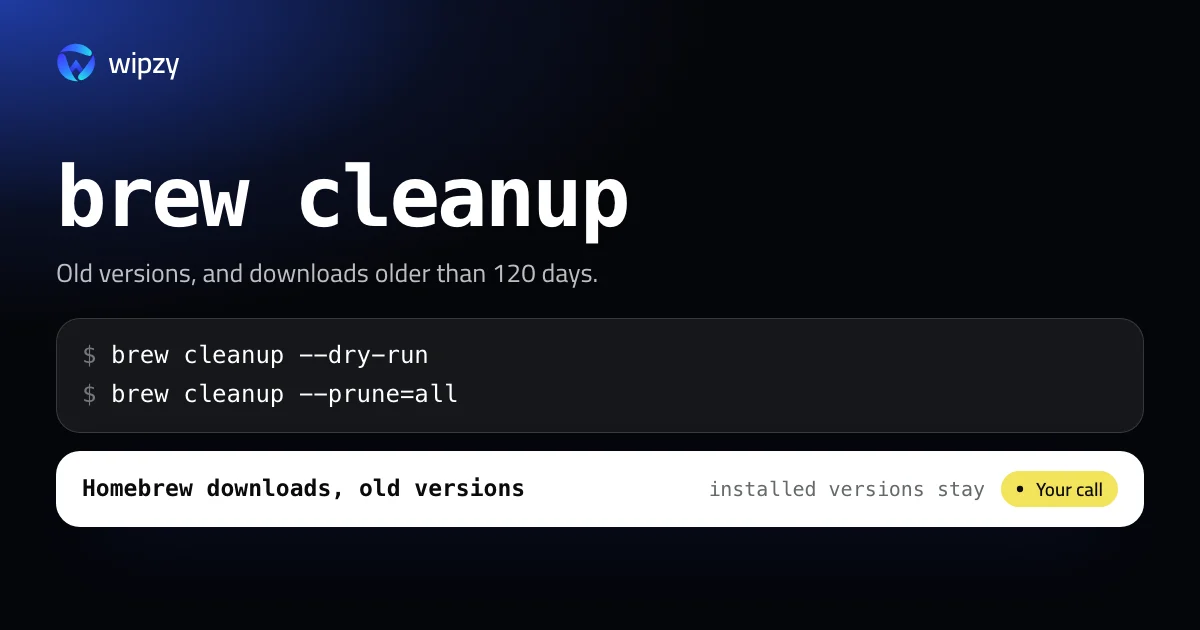
See what Homebrew would remove, and how much space that is, without removing anything:
brew cleanup --dry-run
Then do it:
brew cleanup
That is the safe default. It keeps recent downloads in case you reinstall. To clear the download cache completely, add --prune=all. The rest of this guide explains both, and then looks at the part cleanup never touches: the software you installed and forgot.
What brew cleanup removes
From Homebrew's own help text, brew cleanup will:
- remove stale lock files and outdated downloads for all formulae and casks
- remove old versions of installed formulae
- remove all downloads more than 120 days old
So after brew upgrade node, the previous Node stays in the Cellar until a cleanup removes it, and the downloaded bottle stays in the cache for up to 120 days.
The dry run
brew cleanup --dry-run
prints one "Would remove" line per file with its size, and a last line with the total it would free. Nothing is deleted. Short form: brew cleanup -n.
You can also limit it to one formula:
brew cleanup -n node
Clear the whole download cache
brew --cache
du -sh "$(brew --cache)"
The first line prints the cache folder, ~/Library/Caches/Homebrew on a Mac. The second shows its size. To remove every cached download regardless of age:
brew cleanup --prune=all
--prune takes a number of days. --prune=7 removes downloads older than a week. --prune=all removes everything in the cache.
There is one more flag, -s, which scrubs downloads of even the latest versions. Homebrew's help adds that downloads for installed formulae are still kept, and names the last resort itself: delete the cache folder.
rm -rf "$(brew --cache)"
Homebrew already cleans, a little
Homebrew runs a cleanup of a formula right after it upgrades it, and a full cleanup about every 30 days. If the dry run shows only a few megabytes, that is why. A large number usually means one of two things: the automatic cleanup is switched off through HOMEBREW_NO_INSTALL_CLEANUP, or you have not run a brew command for months.
The part cleanup does not touch
Cleanup removes leftovers. It does not judge what you installed. Two commands do:
brew autoremove --dry-run
lists formulae that were installed only as a dependency of something else and are no longer needed. Without --dry-run it uninstalls them.
du -sh "$(brew --cellar)"/* | sort -hr | head -15
lists the largest installed formulae. Compare that with what you asked for:
brew leaves
brew leaves prints the formulae that nothing else depends on, which is close to "things I installed on purpose". A database server from a project that ended two years ago shows up here. brew uninstall <name> removes it, and brew install <name> brings it back.
Casks are apps. brew list --cask shows them, and their size is in /Applications, not in the Cellar.
A sensible routine
brew cleanup -nto see the number.brew cleanupwhen it is worth it.brew autoremove --dry-run, then without the flag.- Once a year, read
brew leavesand uninstall what you no longer use.
Other package managers follow the same pattern of a cache plus installed versions. See the npm cache and pip, conda and virtualenvs.
Settings that change how much Homebrew keeps
Homebrew's manual names the variables behind the numbers in this guide. Set them in your shell profile.
| Variable | Effect |
|---|---|
HOMEBREW_CLEANUP_MAX_AGE_DAYS |
Cached files older than this many days are removed by a cleanup. The default is 120 |
HOMEBREW_NO_INSTALL_CLEANUP |
If set, Homebrew stops cleaning up after install, upgrade and reinstall. Old versions then stay until you run brew cleanup yourself |
A lower maximum age is the gentle way to keep the cache small on a small disk:
export HOMEBREW_CLEANUP_MAX_AGE_DAYS=30
If the second variable is set somewhere in your dotfiles and you do not remember why, that is probably the reason the dry run showed gigabytes.
With Wipzy
Homebrew is one row in Wipzy's Dev caches list, in the free plan.
| Row | Level | How it is cleaned |
|---|---|---|
| Homebrew downloads and old versions | Your call | Runs brew cleanup --prune=all |
How that row works:
- The size is Homebrew's own number. To fill in the row, Wipzy runs the read-only
brew cleanup --dry-run --prune=alland reads the total. What you see is what the real command will free. - It runs Homebrew's command, not a delete. The Cellar has an index of linked versions. Removing files behind Homebrew's back would break it, so Wipzy runs exactly
brew cleanup --prune=all, as a fixed list of arguments and never through a shell. - It is Your call and never ticked for you. Most of what Wipzy cleans is moved to a quarantine, where Undo can put it back. A command cannot be undone, so the choice stays with you and the plan sheet says so before you approve. The reasons on the row: "Old bottles, downloads and outdated versions" and "Installed versions you use stay".
- The output is kept. History stores the last lines the command printed and the measured change in free space.
Wipzy does not uninstall formulae for you. brew leaves is still a decision for a person.
As everywhere in the app: scan, Review plan, then Clean. See how the risk levels work or what is free.
Questions
Is brew cleanup safe?
Yes. It removes old versions of formulae you have already upgraded and downloads Homebrew no longer needs. The versions you use stay installed.
Does Homebrew run cleanup by itself?
Yes. It cleans up a formula right after upgrading it, and runs a full cleanup about every 30 days. Running it by hand matters most when you need the space today.
How do I see how much space brew cleanup will free?
Run brew cleanup --dry-run. It lists every file it would remove and ends with the total it would free.