Xcode and iOS
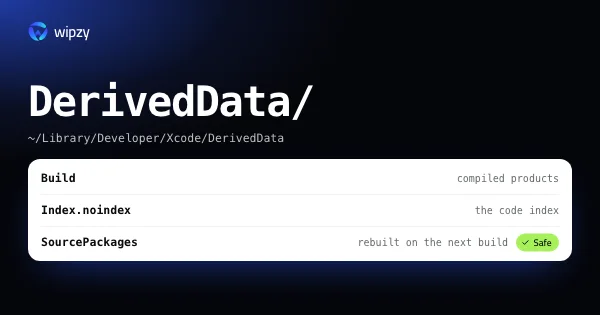
How to delete Xcode DerivedData safely
Xcode DerivedData lives in ~/Library/Developer/Xcode/DerivedData. See its size per project, delete it in Terminal or Finder, and know what the next build costs.
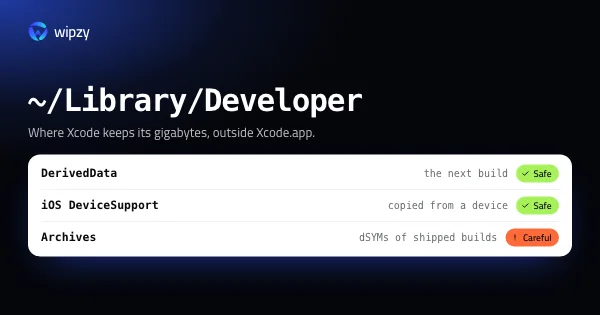
Xcode writes build data, device symbols, simulators and archives into ~/Library/Developer, and almost none of it is removed for you. These guides go folder by folder: what it is, how big it gets, and what rebuilds it.
Xcode and iOS
Xcode DerivedData lives in ~/Library/Developer/Xcode/DerivedData. See its size per project, delete it in Terminal or Finder, and know what the next build costs.
Xcode and iOS
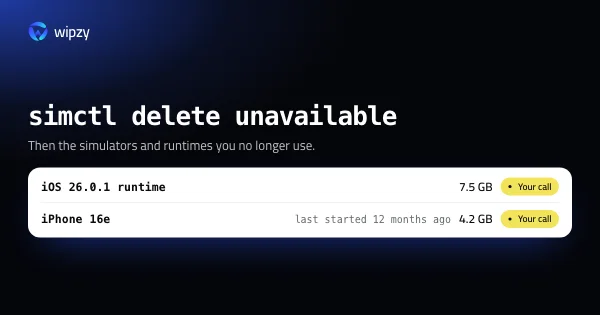
List every iOS simulator and runtime with xcrun simctl, see which ones are stale, and delete them safely. A single iOS runtime is about 7.5 GB on its own.
Xcode and iOS
Where Xcode puts its gigabytes besides DerivedData: iOS DeviceSupport, archives, previews, simulator caches and old installers. What each is and what can go.
Xcode and iOS
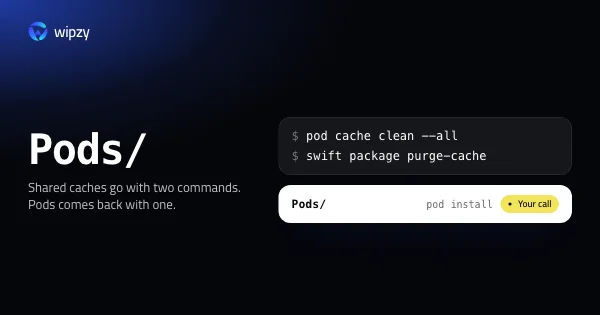
pod cache clean --all and swift package purge-cache: where CocoaPods, SwiftPM and Carthage keep downloads on a Mac, their size, and what restores them.
New guides arrive in the Atom feed of the Wipzy blog. To see the app these guides lead to, watch Wipzy clean a Mac in 47 seconds, read how the four risk levels work, or see what is free and what Pro adds.