Quit Xcode, then:
rm -rf ~/Library/Developer/Xcode/DerivedData/*
That is the whole fix, and it is safe: DerivedData holds only what Xcode built from your source. The cost is time. The next build of every project starts from nothing. So before you delete all of it, look at what is in there. Often two old projects hold most of the space.
See the size, per project
du -sh ~/Library/Developer/Xcode/DerivedData
du -sh ~/Library/Developer/Xcode/DerivedData/* | sort -hr | head -15
Each project or workspace has one folder named after it, with a hash at the end, such as Shop-bkqzdwvfahlbqsdkwxqcxrkzgwcm. Next to them are shared caches, for example ModuleCache.noindex.
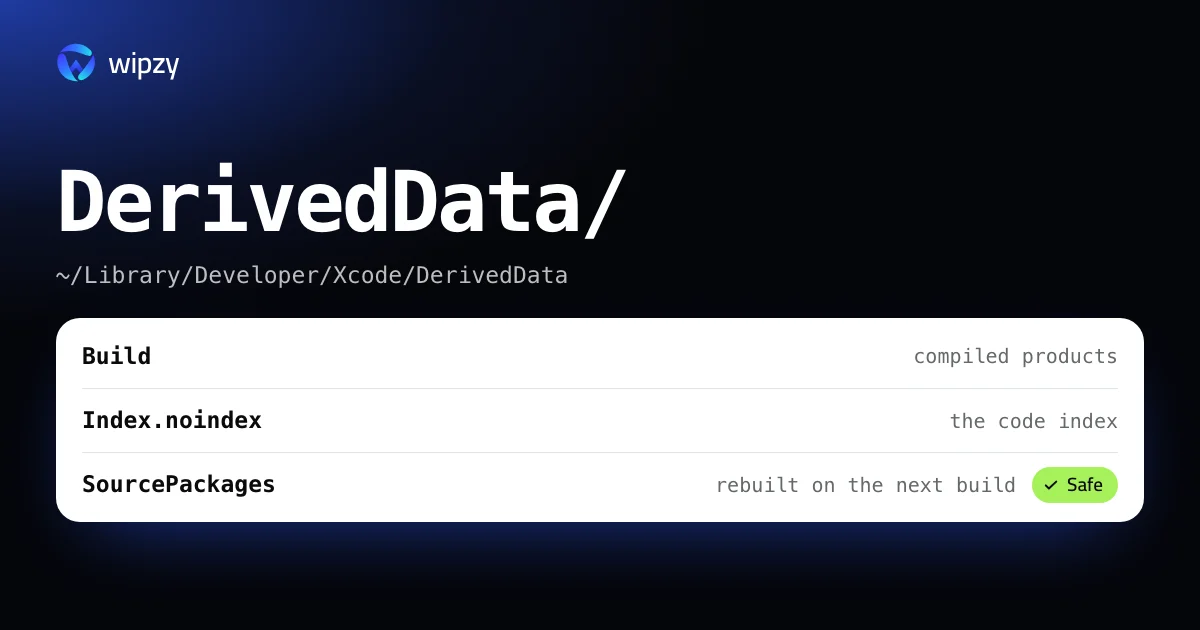
Inside a project's folder:
| Folder | What it is |
|---|---|
Build |
Compiled products and intermediate files |
Index.noindex |
The index behind jump to definition and code completion |
SourcePackages |
Checkouts of the project's Swift packages |
Logs |
Build, test and run logs |
Delete one project, or all
One project, by its folder name from the listing:
rm -rf ~/Library/Developer/Xcode/DerivedData/Shop-bkqzdwvfahlbqsdkwxqcxrkzgwcm
All of it:
rm -rf ~/Library/Developer/Xcode/DerivedData/*
The Finder way, with a Trash
If you want a way back, let Finder do it. In Xcode open Settings, then Locations. Next to the Derived Data path is a small arrow that opens the folder in Finder. Quit Xcode and move project folders to the Trash. Until you empty it, you can put them back.
Clean Build Folder is not the same thing
Product, then Clean Build Folder (Shift-Command-K) removes the build products of the project you have open. It keeps the index, the packages and every other project. Use it to fix a stale build. Use the folder to get disk space back.
If the folder is not where you expect
Xcode can keep DerivedData somewhere else. Ask it:
defaults read com.apple.dt.Xcode IDECustomDerivedDataLocation
If this prints a path, that is the folder to measure. If it says the key does not exist, you are on the default. A relative path such as DerivedData means every project keeps its own folder next to its .xcodeproj. Builds from the command line with xcodebuild -derivedDataPath write wherever that flag points.
How often is sensible
DerivedData only grows. Xcode never removes the folder of a project you deleted or renamed, and each Xcode update makes parts of the old caches useless. Clearing it after a major Xcode update and whenever the disk is short is enough. Clearing it every day costs you build time and gains nothing.
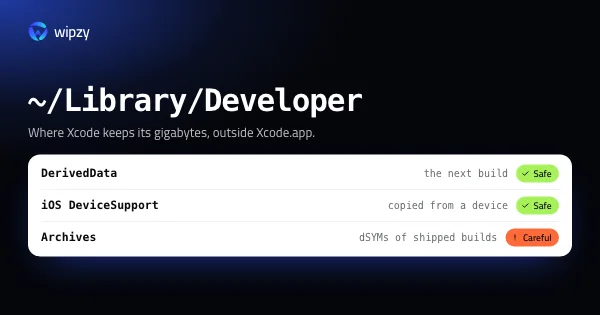
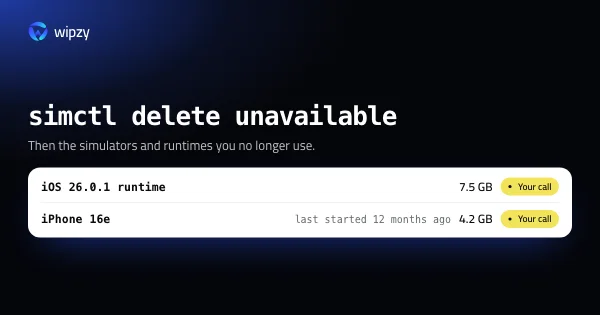
DerivedData is usually the largest Xcode folder but not the only one. Simulators, device support files and archives sit next to it, covered in where the rest of Xcode's space goes and how to delete old simulators.
What the first build after a delete looks like
Knowing the sequence saves you from thinking something broke:
- Packages resolve. Xcode shows "Resolving Package Graph" and fetches every Swift package again, because the checkouts were inside DerivedData. This step needs the network.
- Everything compiles. There is no incremental build to lean on, so every file of every target and every dependency is compiled once.
- Indexing runs. Jump to definition, completion and refactoring are limited until the indexing progress in the toolbar finishes. You can build and run in the meantime.
- Previews start cold. The first SwiftUI preview builds its own products.
If a build error appears that was not there before, it is almost always a package that could not be fetched. File, Packages, Resolve Package Versions runs that step again.
On a build machine
On CI the trade is different. A runner that keeps DerivedData between jobs builds faster and fills its disk. A runner that deletes it is slow and clean. A common middle is xcodebuild -derivedDataPath build/DerivedData, which puts the folder inside the checkout, where the job's own cleanup removes it.
With Wipzy
DerivedData is a row in Wipzy's Dev caches list, in the free plan:
| Row | Path | Level | Reasons shown |
|---|---|---|---|
| Xcode DerivedData | ~/Library/Developer/Xcode/DerivedData |
Safe | "Build data and indexes of all projects", "Xcode rebuilds it on the next build" |
What changes compared with the command:
- You see the size before you decide. The scan fills in the number on the row. On an M4 Pro, a whole home folder with 43 projects takes 8.7 s.
- Clean is a move. The folder goes into a quarantine on the same disk instead of being deleted. If you find out mid-afternoon that the release build needed a warm cache, History has an Undo that puts every file back. The space is freed when you press Free now.
- In use means skipped. If a process still has files open in the folder, Wipzy leaves it and tells you which process.
- Projects get the same care. A
buildfolder next to an.xcodeprojand SwiftPM's.buildare found per project, each with the way it comes back: "Build in Xcode",swift build.
It never happens in one click. You scan, press Review plan, read the list, then Clean. See what makes an item Safe, or watch the 47 second film of a scan and a clean.
Questions
Is it safe to delete DerivedData?
Yes. It holds build products, indexes and logs that Xcode made from your source. Nothing in it is source. The next build of each project is a full build.
Do I have to quit Xcode first?
Quit it, or at least stop the build. Deleting the folder under a running build gives errors about missing files until you build again.
Will I lose my Swift packages?
Xcode keeps package checkouts inside DerivedData, so they are removed too. Xcode resolves and fetches them again when you open the project.