Inside one Flutter project:
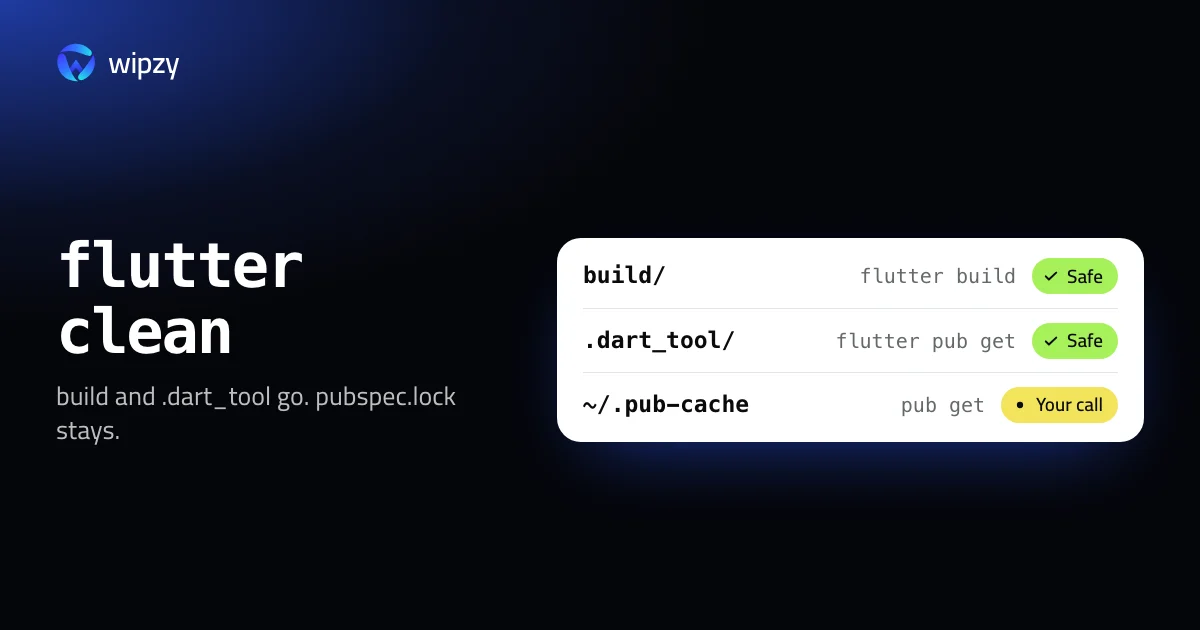
flutter clean
deletes the build and .dart_tool folders. flutter pub get and the next build bring both back. That is the first step. A Flutter app is three projects in one folder, Dart, iOS and Android, and each side leaves its own files. This guide walks through all of them.
What flutter clean covers
| Folder | Holds | Comes back with |
|---|---|---|
build/ |
Compiled output for every platform you built | flutter build or flutter run |
.dart_tool/ |
The package configuration and tool caches | flutter pub get |
Check the sizes before you clean:
du -sh build .dart_tool
Find every Flutter build folder
flutter clean works on one project. To see all of them, replace ~/Code with your projects folder:
find ~/Code -name build -type d -prune -exec test -f {}/../pubspec.yaml \; -exec du -sh {} + | sort -hr | head -20
The test keeps only build folders that sit next to a pubspec.yaml. Many other tools use the name build, and some of them keep things there that you want.
The iOS and Android sides
flutter clean does not remove these, and they are often larger than build:
| Path | What it is | Comes back with |
|---|---|---|
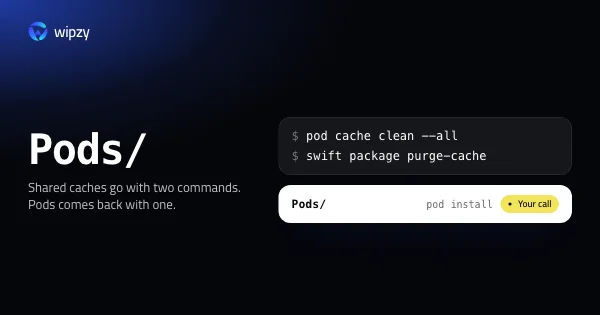
ios/Pods |
CocoaPods dependencies of the iOS runner | pod install in ios, or the next flutter build ios |
android/.gradle |
Gradle's project cache | The next Android build |
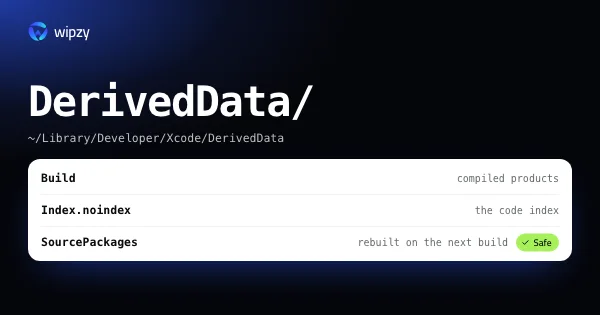
~/Library/Developer/Xcode/DerivedData/Runner-* |
Xcode's build data for the runner | The next iOS build |
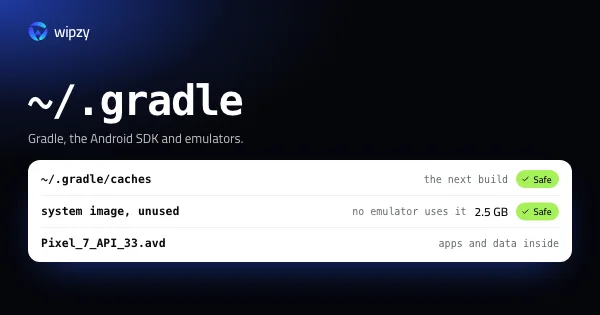
~/.gradle/caches |
Dependencies shared by all Android builds | Downloaded again |
Each has a guide of its own: CocoaPods and SwiftPM caches, Xcode DerivedData, and Gradle caches and the Android SDK.
The pub cache
Every package version that any of your projects ever used is in ~/.pub-cache:
du -sh ~/.pub-cache/*
| Folder | Holds |
|---|---|
hosted |
Packages downloaded from pub.dev |
git |
Packages fetched from git repositories |
bin, global_packages |
Tools you installed with dart pub global activate |
Clear it with Dart's own command, which asks before it deletes:
dart pub cache clean
Old Flutter SDKs
If you use FVM to pin a Flutter version per project, each pinned version is a full SDK:
fvm list
du -sh ~/fvm/versions/*
fvm remove 3.19.6 deletes one, and fvm install in a project that pins it brings it back. Without FVM you have one SDK, and its bin/cache folder holds the engine binaries. flutter precache downloads them again if you ever remove that folder.
A sensible order
flutter cleanin projects you are not working on this month.- Remove
ios/Podsin the same projects. - Remove FVM versions that no project pins any more.
- Leave the pub cache for last. It is small next to the others, and clearing it costs the most downloads.
Clean every project in one go
flutter clean has no flag for "all my projects", but find can run it in each folder that has a pubspec.yaml. Look at the list first:
find ~/Code -maxdepth 3 -name pubspec.yaml -print
Then run the clean in each of those folders:
find ~/Code -maxdepth 3 -name pubspec.yaml -execdir flutter clean \;
-execdir runs the command inside the folder where the file was found. It takes a few seconds per project.
What stays untouched matters as much as what goes. pubspec.lock and ios/Podfile.lock are kept, so the next flutter pub get and pod install restore the same versions as before.
flutter clean is also the standard first step when a build fails for no clear reason after a Flutter upgrade. In that case run it together with the fetch:
flutter clean && flutter pub get
With Wipzy
Wipzy knows a Flutter project by its pubspec.yaml and lists it with its stack, for example "Flutter mobile app (Dart 3.5)". Projects and Dev caches are in the free plan.
| Row | Level | How it comes back |
|---|---|---|
build/ next to a pubspec.yaml |
Safe | flutter build |
.dart_tool/ |
Safe | flutter pub get |
ios/Pods with a Podfile.lock |
Your call | pod install |
Pub cache (~/.pub-cache/hosted and git) |
Your call | "flutter pub get downloads them again" |
| Gradle caches, Xcode DerivedData | Safe | Rebuilt on the next build |
Three details:
- The pub cache row leaves your tools alone. Wipzy offers
hostedandgitonly.~/.pub-cache/binand the globally activated tools stay where they are, so nothing needs activating again. - Active projects are not ticked. If you worked on a project in the last 30 days, its
buildfolder is listed as Your call and left for you to decide. Idle projects are ticked. - Clean is a move. Items go into a quarantine on the same disk. If a release needs yesterday's build output after all, History has Undo. The space is freed when you press Free now.
FVM versions and the Flutter SDK's own cache are not offered yet. Use the commands above for those.
It is never one click: scan, Review plan, then Clean. See how Wipzy reads a project before it offers anything and what Safe and Your call mean.
Questions
What does flutter clean delete?
The build and .dart_tool folders of the project you run it in. Your Dart code, pubspec.yaml and pubspec.lock are not touched.
Is it safe to clear the pub cache?
Yes, with one cost. flutter pub get downloads the packages again, but command-line tools you installed with dart pub global activate have to be activated again.
Why is my Flutter project still large after flutter clean?
Because the iOS and Android sides keep their own files. Look at ios/Pods, and at the shared Gradle caches and Xcode DerivedData outside the project.