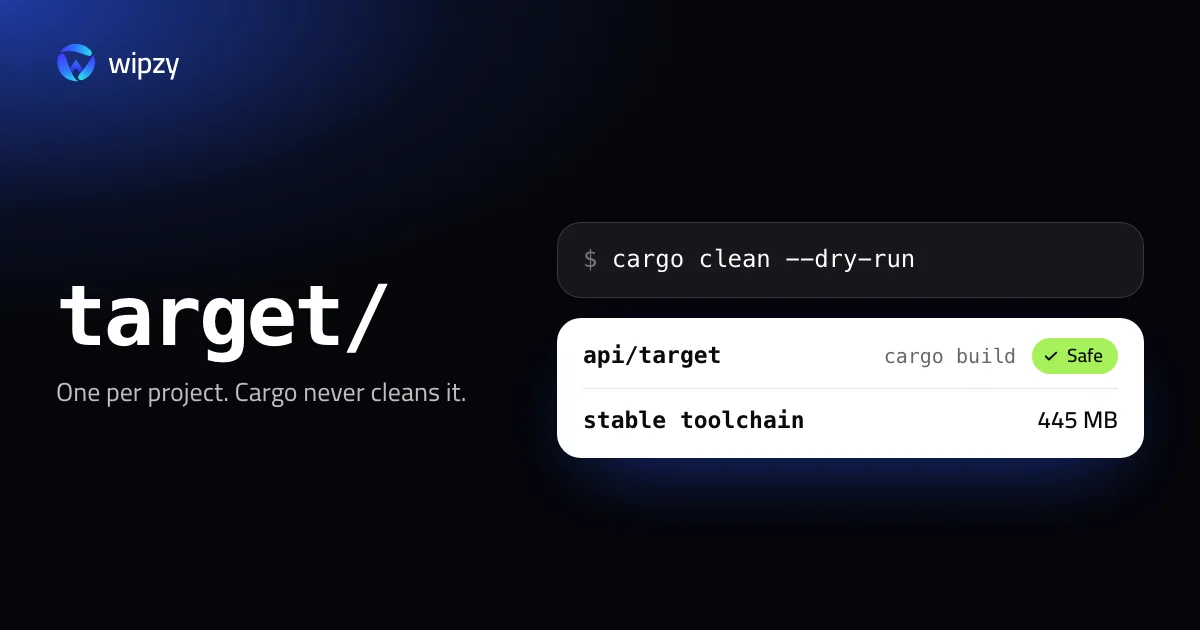
Inside one project, this shows what a clean would remove and how much space it frees, and removes nothing:
cargo clean --dry-run
Without the flag it deletes the project's target folder. The harder question is which of your twenty projects holds the space. Start there.
Find every target folder and its size
Replace ~/Code with your projects folder.
find ~/Code -name target -type d -prune -exec test -f {}/../Cargo.toml \; -exec du -sh {} + | sort -hr | head -20
The test -f {}/../Cargo.toml part keeps only folders named target that sit next to a Cargo.toml. Maven also calls its output target, and you may have ordinary folders with that name.
Why target grows
- One full set per profile.
cargo buildfillstarget/debug.cargo build --releasefillstarget/releasewith different artifacts for the same crates. - One more per target triple. Cross-compiling to iOS or WebAssembly adds
target/aarch64-apple-iosand others. - Old compiler versions. After
rustup update, artifacts built by the previous compiler cannot be reused. Cargo builds new ones and leaves the old ones in place. - Incremental data and debug info.
target/debug/incrementaland the debug symbols are often half of the folder.
Cargo never removes any of this on its own.
Clean one project
cargo clean --dry-run
cargo clean
The dry run ends with a summary of the number of files and the total size. Narrower cleans exist too:
| Command | Removes |
|---|---|
cargo clean --release |
Only the release profile |
cargo clean -p serde |
Only the artifacts of one package |
cargo clean --doc |
Only target/doc |
Clean many projects
Cargo has no command that walks your disk. Two options.
With plain find, for projects you have not built for 30 days. Print first, delete second:
find ~/Code -name target -type d -prune -mtime +30 -exec test -f {}/../Cargo.toml \; -print
find ~/Code -name target -type d -prune -mtime +30 -exec test -f {}/../Cargo.toml \; -exec rm -rf {} +
Or with cargo-sweep, a separate tool you install with cargo install cargo-sweep. It works inside target folders and removes only artifacts that have not been used for a number of days, so recent builds stay warm:
cargo sweep --recursive --time 30 --dry-run ~/Code
The download cache in ~/.cargo
du -sh ~/.cargo/registry ~/.cargo/git
registry holds the downloaded .crate files and their unpacked sources. git holds dependencies fetched from git. Since Rust 1.88, Cargo cleans these itself: files it downloaded and has not used for 3 months are removed. You rarely need to touch them. If you do, Cargo downloads what a build needs again.
Leave ~/.cargo/bin alone. Those are the tools you installed with cargo install, not a cache.
Old toolchains
rustup toolchain list
du -sh ~/.rustup/toolchains/*
Every toolchain is a complete compiler. On the Mac this guide was written on, stable-aarch64-apple-darwin is 445 MB. Dated nightlies pile up, because each nightly-2026-03-01 is a separate installation that rustup update never replaces.
rustup toolchain uninstall nightly-2026-03-01-aarch64-apple-darwin
Keep stable and whatever the rust-toolchain.toml files of your active projects ask for.
One target folder for everything
If you build many small projects with the same dependencies, a shared target folder stops the duplication. In ~/.cargo/config.toml:
[build]
target-dir = "/Users/you/.cache/cargo-target"
Every project then builds into that one folder. The trade: one place to clean, but two projects that need different feature sets of the same crate rebuild it in turns.
Make target smaller from now on
Two settings shrink what each build writes, at little cost. In the project's Cargo.toml:
[profile.dev]
debug = "line-tables-only"
This keeps file names and line numbers for backtraces and drops the rest of the debug info, which is a large share of target/debug. You lose the ability to inspect variables in a debugger. Set it back to true for the sessions where you need that.
On CI, CARGO_INCREMENTAL=0 turns incremental compilation off. A CI job builds once from clean, so the incremental data would be written and never read.
How build output piles up across toolchains in general is the subject of why a developer's disk fills up.
With Wipzy
Wipzy finds target per project and the shared caches per machine. Both are in the free plan.
| Row | Level | How it comes back |
|---|---|---|
target next to a Cargo.toml |
Safe | cargo build |
Cargo registry (~/.cargo/registry/cache and src) |
Safe | "Cargo downloads them again when needed" |
Cargo git checkouts (~/.cargo/git) |
Safe | "Cargo fetches them again when needed" |
| sccache | Safe | "Builds refill it" |
- It reads the project first. A folder named
targetis offered only with aCargo.tomlbeside it, and the project row shows the stack, for example "Axum 0.7 API (Rust 1.82)". - Idle projects only are ticked. A
targetin a project you worked on in the last 30 days is listed as Your call and left unticked. You probably want that build to stay warm. - Clean is a move. The folder goes into a quarantine on the same disk. If you need the release artifacts after all, History has Undo and the folder returns as it was. The space is freed when you press Free now.
- A build in progress is skipped, with the reason "In use by
cargo".
rustup toolchains are not offered yet. Use rustup toolchain list for those.
It is not one click: scan, Review plan, then Clean. See what Safe means, or how the same idea applies to Go's caches.
Questions
Is it safe to delete the target folder?
Yes. It holds only what Cargo compiled. cargo build creates it again. The first build afterwards compiles every dependency from scratch.
Why is my target folder so large?
It keeps a full set of artifacts per profile, per target triple and per compiler version, plus incremental compilation data and debug info. Nothing in it is removed until you clean.
Does Cargo clean its download cache by itself?
Since Rust 1.88 it does. Cargo removes downloaded registry and git files that have not been used for 3 months. It never cleans the target folders of your projects.