Do not delete the file. Docker.raw is the disk of the Linux virtual machine that Docker Desktop runs, and everything Docker has is inside it: images, containers, volumes and the build cache. First find out how big it really is:
ls -klsh ~/Library/Containers/com.docker.docker/Data/vms/0/data/Docker.raw
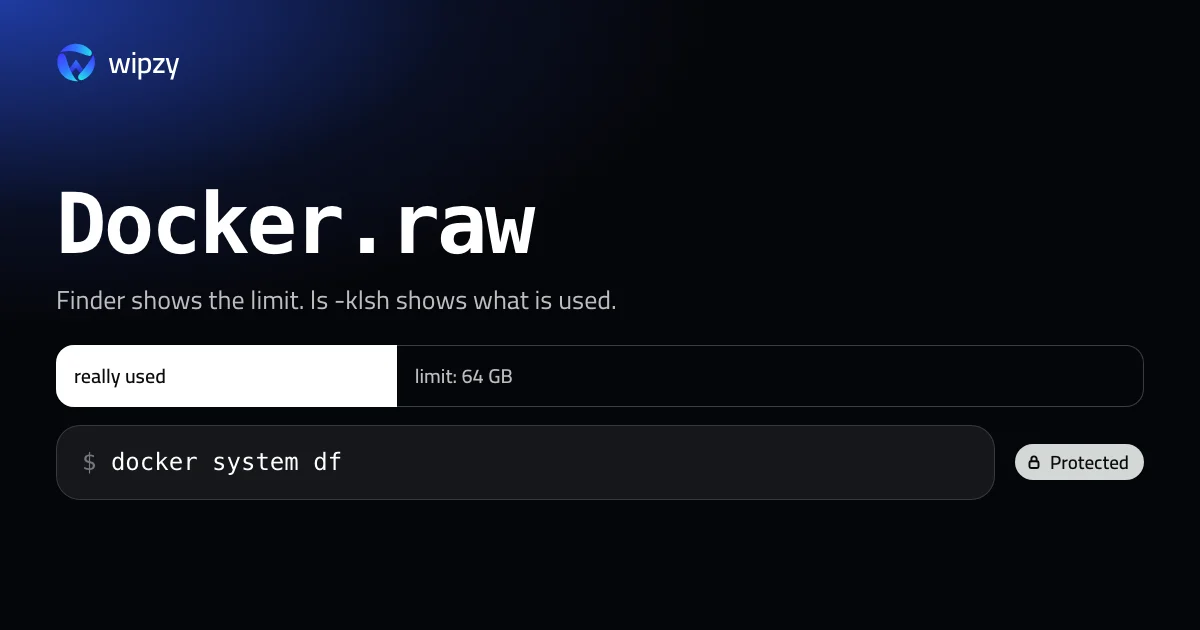
The first column is the space the file uses on your disk. The size further right is the limit it may grow to. Finder shows only the second number, which is why a nearly empty Docker can look like 64 GB.
Real size and limit
Docker.raw is a sparse file. macOS hands it disk blocks only as Docker writes to them, so the two numbers differ:
| Number | Where you see it | Meaning |
|---|---|---|
| Real size | First column of ls -klsh, or du -sh |
Blocks in use on your disk right now |
| Limit | Finder, the right side of ls -l |
How far the file is allowed to grow |
Docker Desktop shows both in Settings, Resources, Advanced: where the disk image is, its limit, and how much is used.
If the real size is small, you have no problem, only an alarming number in Finder. If it is large, the next step is to see what is inside.
What fills it
docker system df
This prints four lines: Images, Containers, Local Volumes and Build Cache, each with its size and how much of it is reclaimable. For the names behind the numbers:
docker system df -v
On most development machines the order is: build cache first, then old images, then volumes.
Free space inside Docker
Work from the things that rebuild themselves towards the things that hold data.
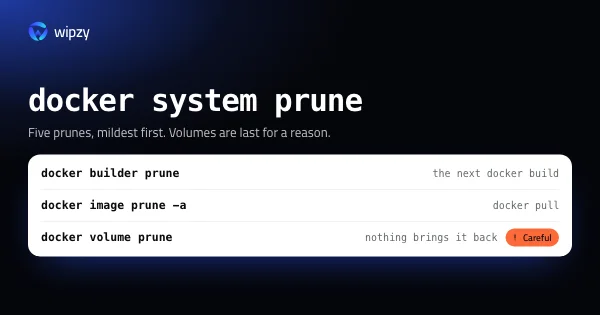
docker builder prune
removes build cache that no build is using. The next docker build takes longer and fills it again.
docker image prune -a
removes every image that no container uses. docker pull or a build brings an image back.
Hand the space back to macOS
Deleting data inside the virtual machine does not always shrink the file at once. Docker's documentation says the space is given back in the background and that it may take a few minutes. Check with ls -klsh again.
If the file stays large after you deleted a lot, Docker provides a helper that runs the reclaim now:
docker run --privileged --pid=host docker/desktop-reclaim-space
It trims the unused blocks of the virtual disk, and the first column of ls -klsh drops.
Lower the limit, with care
In Settings, Resources, Advanced you can make the limit smaller. Read the warning on that screen first.
A lower limit is useful as a ceiling. It does not free anything that pruning would not free.
Things that do not work
- Deleting
Docker.rawin Finder. Docker Desktop starts with an empty disk. All volumes are gone. - Moving the file by hand. Docker has a setting for the disk image location. Use that, and let it move the file.
- Emptying caches from outside. Nothing outside the virtual machine can see which blocks are unused. Only Docker's own commands can.
How it comes back
| Removed | Comes back with |
|---|---|
| Build cache | The next docker build, slower once |
| Images | docker pull, or a build |
| Stopped containers | docker compose up or docker run creates new ones |
| Volumes | Nothing. Restore from your own backup |
Other container tools on a Mac
Docker Desktop is not the only tool that keeps a Linux disk on your Mac. OrbStack, Colima, Rancher Desktop and Podman each have their own, and each behaves the same way: it grows as you pull and build.
du -sh ~/.orbstack ~/.colima ~/.lima ~/.local/share/containers 2>/dev/null
The rules of this guide carry over. docker system df and the prune commands work with any of them, because they all speak to the same docker command. And none of their disk files should be deleted by hand. If you switched from one tool to another, the old one's disk is still there, with every image you ever pulled. Remove it with that tool's own command, for example colima delete, after checking that no volume in it is needed.
With Wipzy
Wipzy treats Docker the way this guide does: the file is never touched, and only the part that rebuilds itself is offered.
Docker.rawis never on a list. Wipzy does not open~/Library/Containersat all, and anything no rule recognises is Protected. There is no way to tick the disk image.- The build cache is offered through Docker's own command. When the Docker daemon answers, the System area (part of Pro) shows a row "Docker build cache" with the reclaimable size that
docker system dfreports. Cleaning it runsdocker builder prune --force --filter until=336h, which removes build layers older than 14 days and keeps recent ones. - That row is Your call and never ticked for you. A command cannot be undone from History, and the row says so: "Can't be undone from History". Everything Wipzy moves to its quarantine can be undone. A prune cannot, so you decide.
- Images, containers and volumes are not offered yet. For those, use the commands above.
If Docker is not running, Wipzy shows no Docker row instead of guessing. As everywhere in the app, nothing happens in one click: scan, Review plan, then Clean.
Docker is often one line of a longer list. See what else hides in System Data and how the risk levels work.
Questions
Can I delete Docker.raw?
Only if you want to lose every image, container and volume on the machine. Docker Desktop creates a new empty file on the next start. To get space back without losing data, prune inside Docker instead.
Why does Finder show Docker.raw as 64 GB?
Finder shows the maximum size the file may grow to. The space really used on disk is usually smaller. ls -klsh Docker.raw shows the real number in its first column.
Why did the file not shrink after docker system prune?
Docker Desktop returns freed blocks to macOS in the background, which can take a few minutes. If nothing changes, run the reclaim command from this guide.