When File Explorer says the file name is too long, or sits on "Calculating" for minutes, delete the folder from a terminal instead. In the project folder:
npx rimraf node_modules
rimraf is the Node tool for exactly this, and it handles paths of any length. If you would rather not download anything, three built-in ways follow. This guide is for Windows 11 and Windows 10. Wipzy does not run on Windows yet. A version is in the works, and nothing below needs it.
Why Windows struggles with this folder
Two properties of node_modules meet two properties of Windows:
- Depth. A package can carry its own
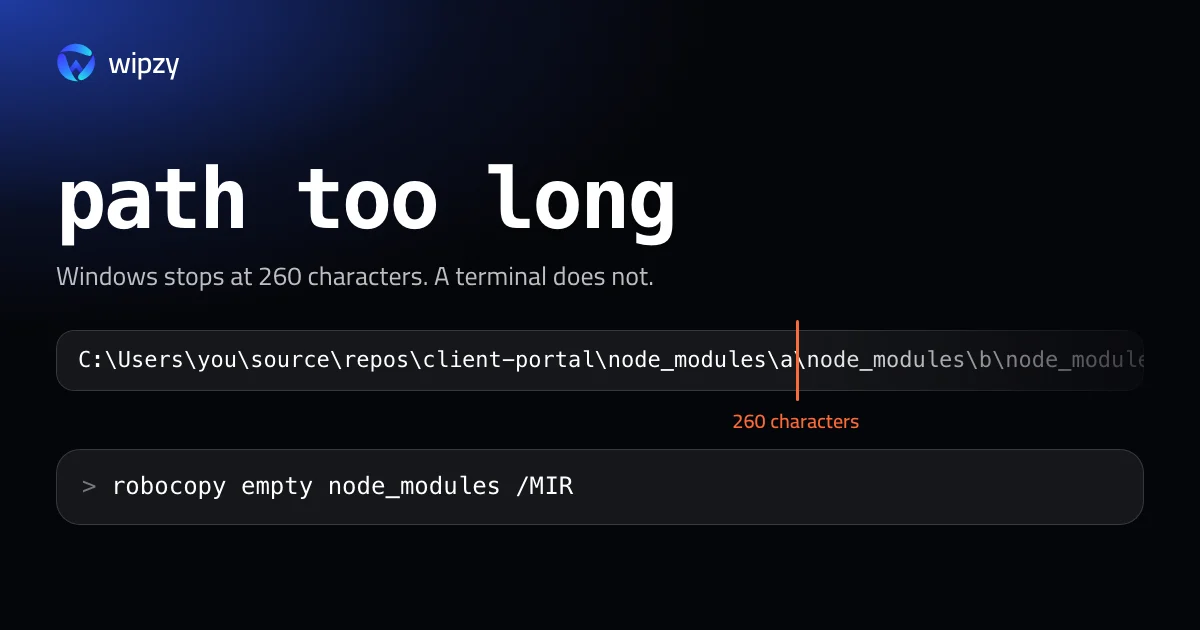
node_modules, whose packages carry theirs. A path such asC:\Users\you\source\repos\client-portal\node_modules\a\node_modules\b\node_modules\c\dist\index.jspasses 260 characters quickly, and 260 is the classic limit of the Windows file API. - Count. One install can be a hundred thousand small files. File Explorer counts them all before it deletes the first one, and sends each to the Recycle Bin.
A terminal command does neither.
Four commands that work
Run these from the project folder, one level above node_modules.
1. rimraf
npx rimraf node_modules
2. Command Prompt
rmdir /s /q node_modules
/s removes the folder with everything in it, and /q skips the question. This works in most cases, including many long paths.
3. PowerShell
Remove-Item -Recurse -Force node_modules
PowerShell 7 handles long paths. In the older Windows PowerShell 5.1 this can still fail with a path error. There, give the full path with the \\?\ prefix, which tells Windows to skip the 260 character check:
Remove-Item -LiteralPath "\\?\C:\Code\client-portal\node_modules" -Recurse -Force
4. robocopy, when nothing else works
robocopy has always supported long paths. Mirroring an empty folder onto node_modules empties it:
mkdir empty
robocopy empty node_modules /MIR
rmdir node_modules
rmdir empty
/MIR makes the destination identical to the source. The source is empty, so everything in the destination is removed. robocopy prints a long report of every file. Add /NFL /NDL /NJH /NJS to the second line to keep it quiet.
"Being used by another process"
If the delete stops with a message that a file is in use, something still has it open. The usual holders are a dev server you forgot in another terminal, your editor's language server, or a file watcher. Close the editor, stop every node.exe in Task Manager, and run the command again.
Turn on long paths
Since Windows 10 version 1607 the 260 character limit can be lifted for programs that support it. In PowerShell as administrator:
New-ItemProperty -Path "HKLM:\SYSTEM\CurrentControlSet\Control\FileSystem" -Name "LongPathsEnabled" -Value 1 -PropertyType DWORD -Force
And for git, which has its own switch:
git config --global core.longpaths true
This is Microsoft's documented setting, and it helps Node, git and most developer tools. It does not change File Explorer.
Find every node_modules folder
For a list with sizes that you can delete from, npkill works on Windows too:
cd C:\Code
npx npkill
For a plain list without installing anything, PowerShell can look two levels deep, which is where project folders usually are:
Get-ChildItem C:\Code -Directory -Depth 2 -Filter node_modules | Select-Object FullName, LastWriteTime
To remove the ones not touched for 30 days, first run it with -WhatIf, which only prints what would happen:
Get-ChildItem C:\Code -Directory -Depth 2 -Filter node_modules | Where-Object LastWriteTime -lt (Get-Date).AddDays(-30) | ForEach-Object { Remove-Item -LiteralPath "\\?\$($_.FullName)" -Recurse -Force -WhatIf }
Read the output. Then run the same line without -WhatIf.
Two ways to have the problem less often
- pnpm. It keeps packages in one store and links them into a flat layout, so paths stay short and each package exists on disk once.
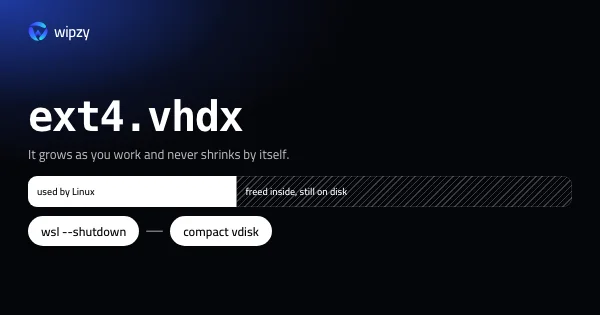
- WSL. Projects kept inside the Linux file system have no 260 character limit, and installs are faster there. The space then goes into the WSL disk file, which has a guide of its own: how to shrink ext4.vhdx.
With Wipzy
Wipzy runs on macOS 13 or later on Apple silicon. A Windows version is in the works on the same Rust engine, and it is not available yet. We would rather say that plainly than describe features that do not exist.
What the engine does on a Mac today is what a careful person does by hand in this guide:
- It finds
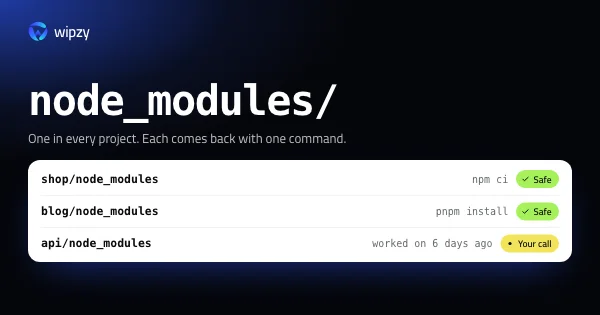
node_modulesin every project and shows each folder's size. - It offers a folder as Safe only when a lockfile exists and git reports the folder as ignored and not tracked, and it shows the command that brings it back, such as
npm ci. - It leaves a project you worked on in the last 30 days unticked.
- It skips a folder that a process has open, and names the process.
- It moves folders into a quarantine instead of deleting them, so there is an Undo.
If you also work on a Mac, the same job there is in how to delete all node_modules folders on a Mac. For how the levels work, see Four levels. Only one is ticked for you. To hear when the Windows version ships, an account is enough: see what is free.
Questions
Why can't Windows delete node_modules?
Packages nest inside packages, and some paths end up longer than 260 characters, the classic Windows limit. File Explorer does not handle longer paths, so it stops with an error about the file name being too long.
What is the fastest way to delete node_modules on Windows?
In a terminal, npx rimraf node_modules or rmdir /s /q node_modules. Both are much faster than File Explorer, which counts every file before it starts.
Does enabling long paths fix File Explorer?
No. The setting lets programs that opt in use long paths. File Explorer still does not. Use a terminal command for the delete.