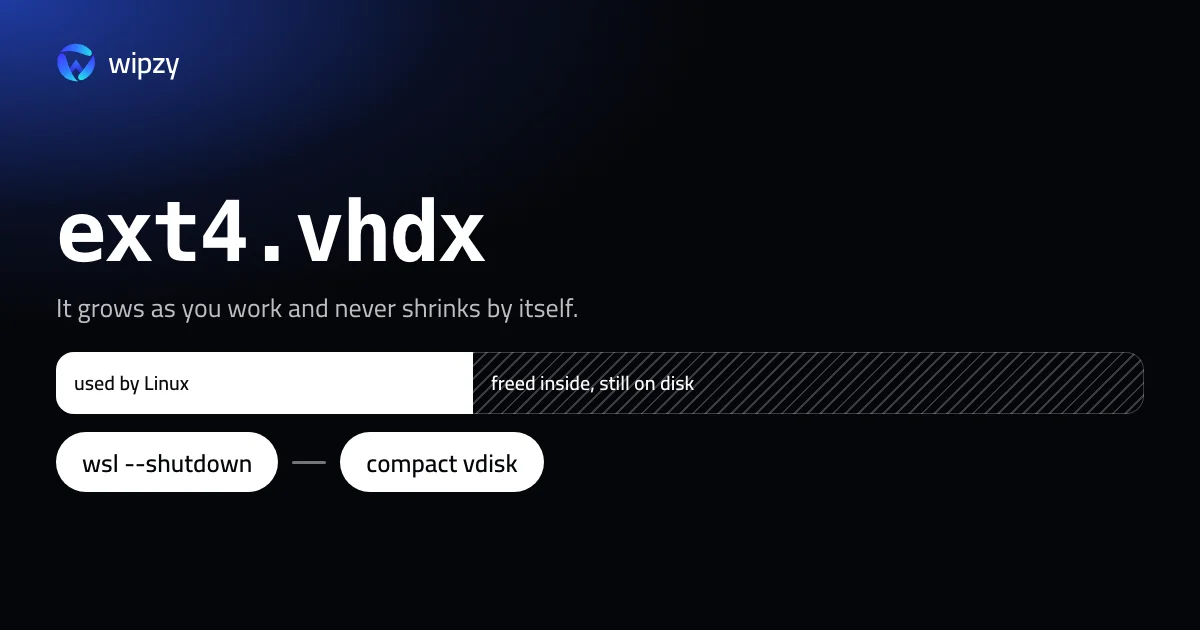
WSL 2 keeps each Linux distribution in one file, ext4.vhdx. The file grows as Linux writes, up to a limit of 1 TB by default, and it does not shrink when you delete things inside. Getting the space back takes three steps:
- Free space inside Linux.
- Shut WSL down.
- Compact the file from Windows.
This guide gives the commands for each. It is for Windows 11 and Windows 10 with WSL 2. Wipzy does not run on Windows yet. A version is in the works, and nothing here needs it.
Find the file and its size
In PowerShell, replace Ubuntu with the name of your distribution from wsl --list --verbose:
(Get-ChildItem -Path HKCU:\Software\Microsoft\Windows\CurrentVersion\Lxss | Where-Object { $_.GetValue("DistributionName") -eq 'Ubuntu' }).GetValue("BasePath") + "\ext4.vhdx"
This is the lookup Microsoft documents. It prints a path such as C:\Users\you\AppData\Local\Packages\CanonicalGroupLimited...\LocalState\ext4.vhdx. Check the size of the file:
(Get-Item "C:\path\to\ext4.vhdx").Length / 1GB
Then compare it with what Linux really uses:
wsl df -h /
If the file is 80 GB and df shows 25 GB used, there are 55 GB to win back. If the two numbers are close, compacting will gain little. The space is in use, and step 1 is where you need to work.
Step 1: free space inside Linux
Inside the distribution, find what is large:
du -h --max-depth=1 ~ 2>/dev/null | sort -hr | head -15
The usual suspects are the same as on any developer machine: node_modules folders, ~/.cache, ~/.npm, ~/.cargo, and Docker data if you run Docker Engine inside WSL. For the package manager's own downloads on Ubuntu or Debian:
sudo apt clean
When you have deleted what you do not need, tell the virtual disk which blocks are now free:
sudo fstrim -av
Step 2: shut WSL down
From PowerShell or Command Prompt:
wsl --shutdown
This stops every distribution and the WSL virtual machine. Save your work in Linux first. If Docker Desktop is running, quit it too, because it uses WSL.
Step 3: compact the file
With diskpart, on any edition of Windows
Open Command Prompt as administrator and start diskpart. Then, with the path from the first section:
select vdisk file="C:\path\to\ext4.vhdx"
attach vdisk readonly
compact vdisk
detach vdisk
exit
compact vdisk is the step that takes time, a few minutes for a large file.
With Optimize-VHD, on Pro and Enterprise
If the Hyper-V PowerShell module is installed, one line in PowerShell as administrator does the same:
Optimize-VHD -Path "C:\path\to\ext4.vhdx" -Mode Full
Check the file size again afterwards, then start your distribution as usual.
Sparse mode: automatic, and still experimental
WSL can mark a disk file as sparse, so that Windows gets freed blocks back without a manual compact:
wsl --manage Ubuntu --set-sparse true
Treat this one with care. Microsoft lists the matching setting, sparseVhd in .wslconfig, under experimental features, and it is off by default. For a period, WSL releases refused to enable sparse mode without an extra flag and warned of possible data corruption. If you try it, make an export first. And do not mix the two methods: a disk in sparse mode should not be compacted with Optimize-VHD.
The manual compact above is the dull, dependable way.
Docker Desktop has its own file
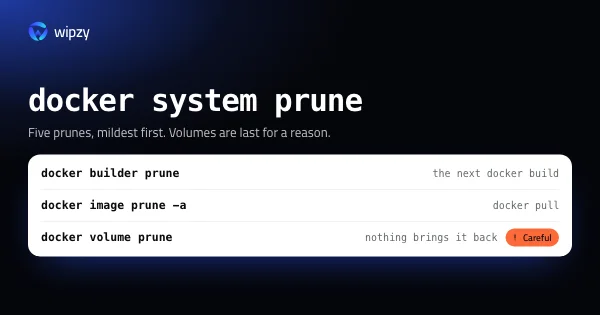
Docker Desktop on Windows stores its images and containers in a separate disk file under %LOCALAPPDATA%\Docker\wsl. The same logic applies: free space inside with the docker prune commands, quit Docker Desktop, run wsl --shutdown, then compact that file with diskpart.
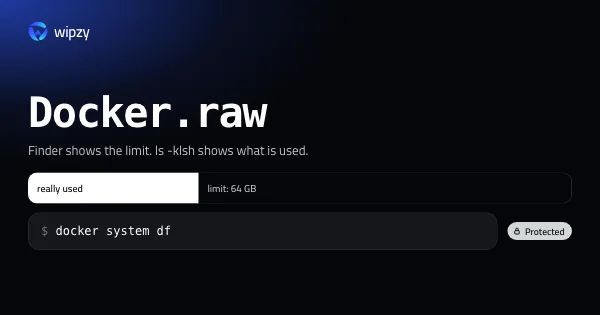
On a Mac the same pattern has another name. The file is Docker.raw, and its story is in Docker.raw is huge on a Mac.
Keep the limit lower
The 1 TB default is a ceiling, not a reservation. If you would rather hear "disk full" inside Linux than run out of space on C:, set a lower ceiling for new distributions in %UserProfile%\.wslconfig:
[wsl2]
defaultVhdSize=100GB
To change the size of an existing disk, WSL 2.5 and later have wsl --manage <distribution> --resize <size>.
With Wipzy
Wipzy runs on macOS 13 or later on Apple silicon. A Windows version is in the works on the same Rust engine, and it is not available yet, so there is no button for this today. Step 1 is the part Wipzy does on a Mac: knowing which folders your tools can rebuild, and which are your work.
On a Mac, that looks like this:
- A scan finds
node_modules,vendor,targetand build output in every project, and 74 developer caches, each with its size. - Each row has a level. Safe items come back with one command and are ticked for you. Your call and Careful items are listed for you to decide. Source,
.envand anything git tracks are Protected. - Clean moves items to a quarantine, and History has Undo.
- Disk image files are never touched. On a Mac, Wipzy does not offer
Docker.raw, for the same reason you should not deleteext4.vhdx: everything is inside it.
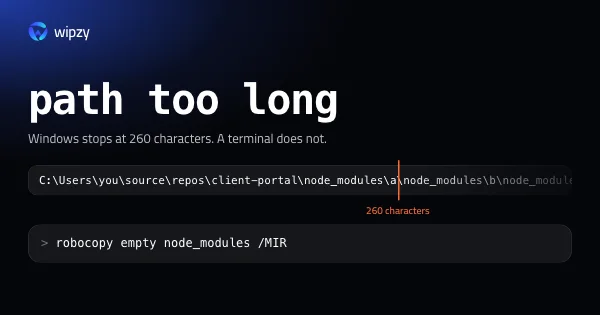
For the Windows side of node_modules, see the path too long fix. For the model behind the levels, see Four levels. Only one is ticked for you and the film.
Questions
Why is ext4.vhdx so big when my Linux files are small?
The file grows when Linux writes data and does not give the space back when you delete it. After a large build or download, the file keeps its peak size until you compact it.
Is it safe to compact ext4.vhdx?
Compacting removes only blocks that Linux marked as unused. It does not delete files. Shut WSL down first, and export a backup of the distribution if it holds work you have nowhere else.
Do I need Windows Pro for this?
No. diskpart is in every edition of Windows. Optimize-VHD is shorter but needs the Hyper-V PowerShell module, which Home editions do not have.